
Licence
What it is for
Section titled “What it is for”During the beta, each copy of Kaveo is activated with a licence key that lasts 30 days. You receive it by email.
How to use it
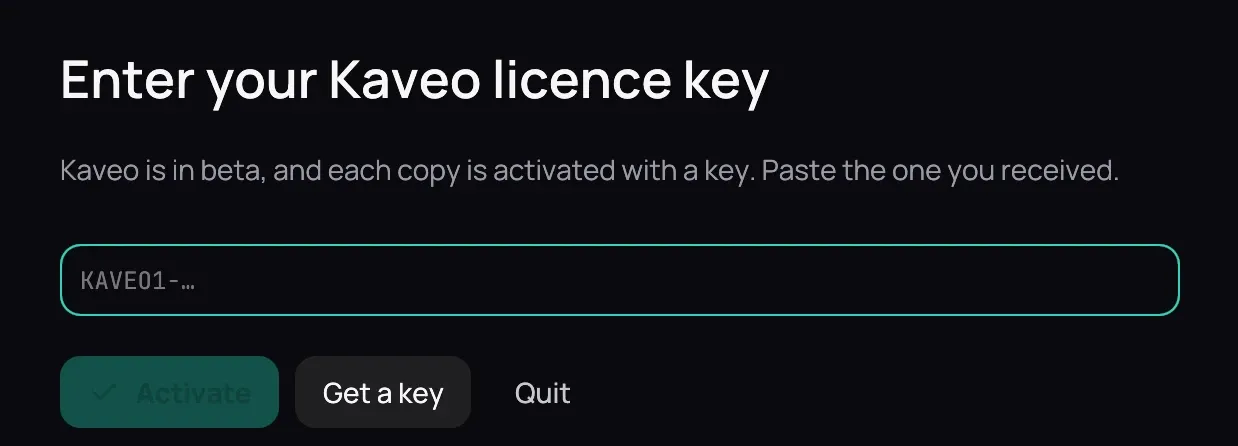
Section titled “How to use it”- Copy the whole key, which starts with KAVEO1-, and paste it into the field.
- Click Activate.
- Settings › About shows who the licence is for and until when; Change key… enters a new one.
Good to know
Section titled “Good to know”- In its last week, a small badge in the top bar and one message say when it ends.
- When it ends, Kaveo shows only this screen until a new key is entered. A film you are watching plays to its end first. Nothing is deleted.
- Kaveo confirms the date online at least once a week. Without a connection for longer, or with the clock set back, it asks you to connect once and click Try again.
- To ask for a key, click Get a key.