
Playlists
What it is for
Section titled “What it is for”Gather songs from any album into a list of your own, and play it whenever you like.
How to use it
Section titled “How to use it”- In any song’s menu, choose Add to playlist, then a playlist or New playlist…. An album page has the same button for the whole album.
- Open the Music category: the Playlists row sits under the albums. Click its title to see them all.
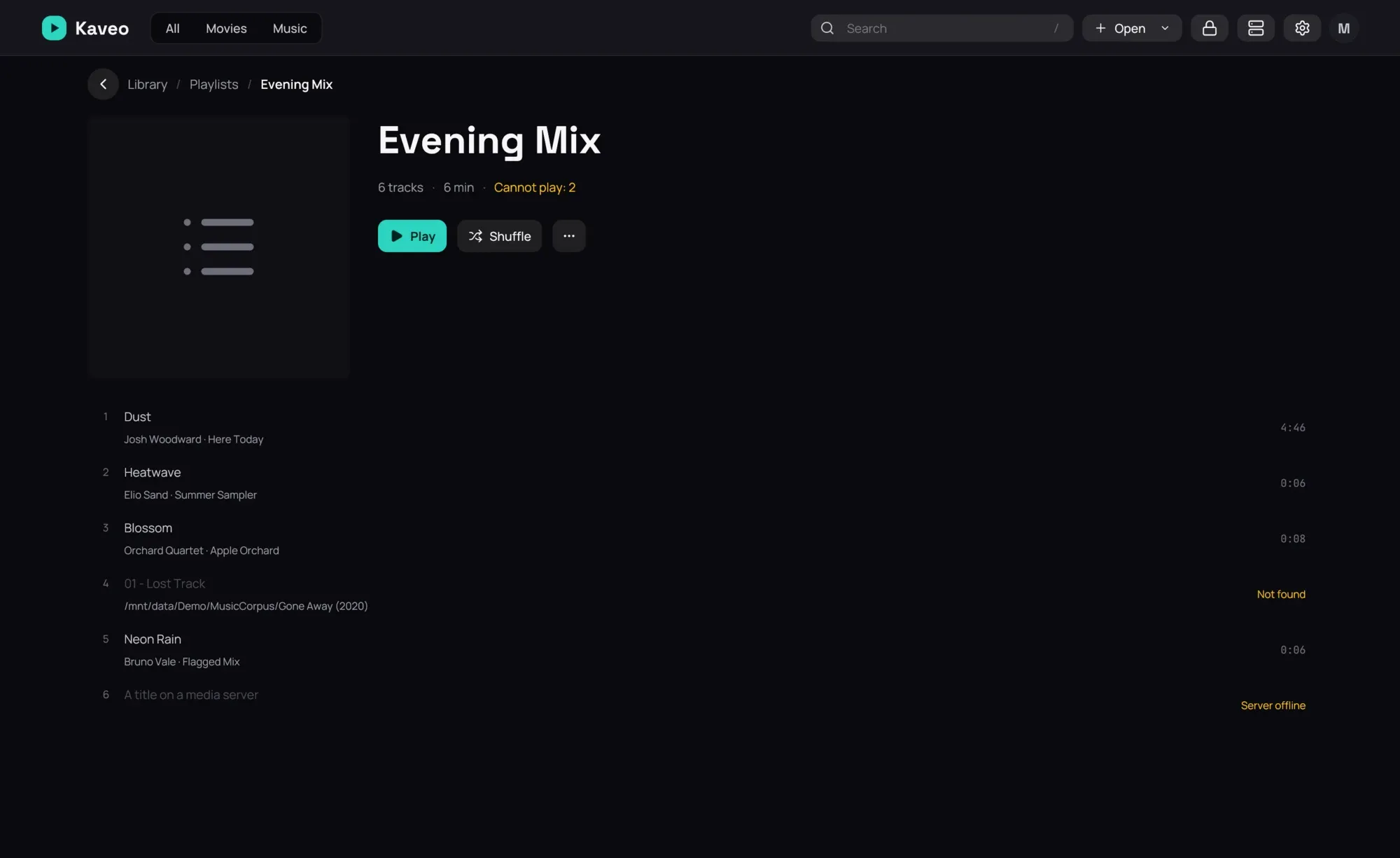
- On a playlist’s page, click Play or Shuffle, or a song to start from it.
- Rest the pointer on a song to reorder it with the arrows, or take it out with the cross.
- In the queue, Save as playlist… keeps what is playing.
Good to know
Section titled “Good to know”- Import playlist… reads an M3U file. Songs that moved are looked for in your library; web addresses are left out, and Kaveo tells you which.
- An M3U file dropped on the window, opened with Open › Open file…, or opened with Kaveo from your file manager plays at once; Save as playlist… in the queue keeps it.
- A song that is not on disk stays, marked Not found, and is skipped when the playlist plays.
- Export as M3U… writes a file other players read. Songs only on a server are left out.
- A Jellyfin server’s playlists appear under its name. They play here but change only on the server; Save a copy to my playlists gives you one you can edit.