
Editing music tags
What it is for
Section titled “What it is for”Correct the tags inside your music files, so Kaveo and every other player show the same thing, and store the loudness Kaveo measured in them.
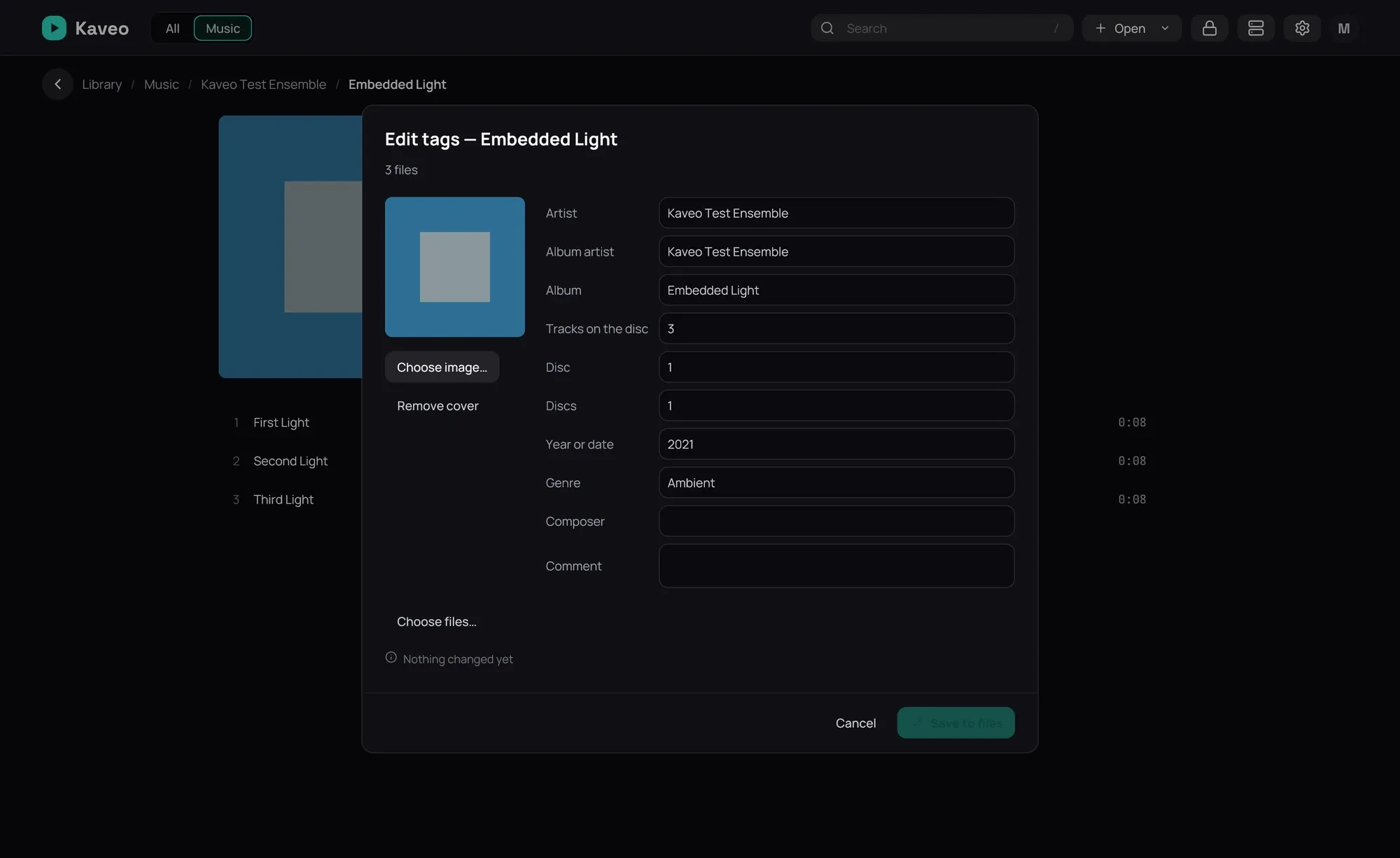
How to use it
Section titled “How to use it”- On an album’s or an artist’s page, click ⋯ › Edit tags…; for one song, use its menu.
- Change the fields. With several songs, a field reading Multiple values — type to replace them all stays as it is unless you type in it.
- Click Save to files.
- To store loudness, click ⋯ › Write ReplayGain tags… on an album’s or an artist’s page, then Write tags.
- To undo a write, click ⋯ › Restore previous tags… where you made it, choose it, then Restore.
Good to know
Section titled “Good to know”- Only what changes is written, a file is never left half-written, and a file changed since a write is not restored.
- In Identify album…, Use this and write to the files… shows every change first; a song placed on a track with another title starts unticked.
- DSF, DFF, MKA, WMA and AC3 files, and songs on a Jellyfin server, are listed and left alone.