
Metadata
What it is for
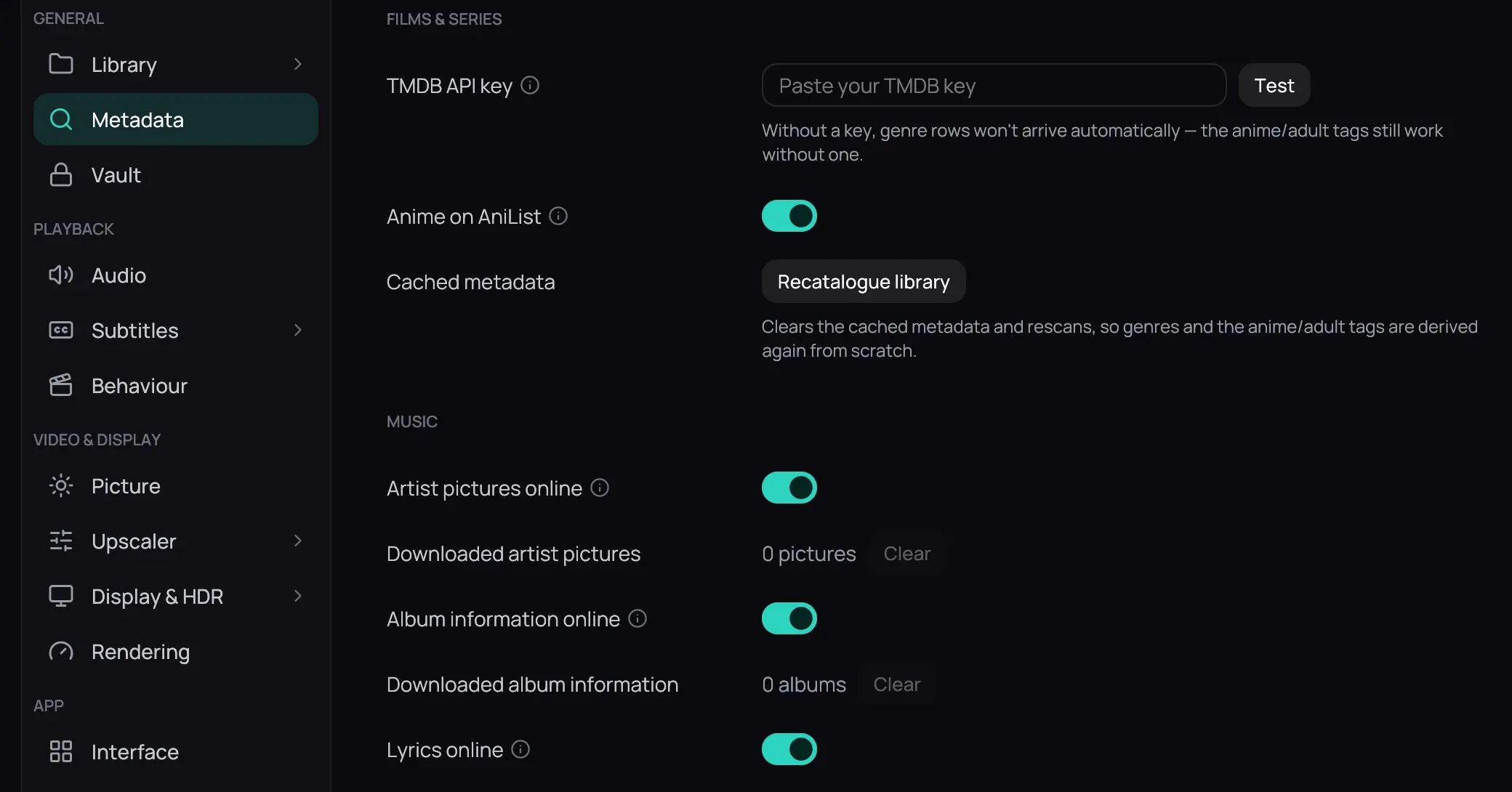
Section titled “What it is for”Settings › Metadata holds the key that fetches posters, plots and genres, and the button that fetches them all again.
How to use it
Section titled “How to use it”- Paste your key into TMDB API key and click Test: it says Key works or what is wrong.
- Click Save to keep it: nothing is stored before you save.
- When a trailer or web video asks you to sign in, sign in with your browser, then choose it under Site cookies (and Browser profile, if it has several). Test checks that Kaveo can read it; if not, choose cookies.txt file….
- Music, online by default: Artist pictures, Album information, Lyrics.
- Anime on AniList (on by default) asks AniList about an imported anime TMDB lacks, or its adult tag.
- Click Recatalogue library to fetch every poster, plot and genre anew.
Good to know
Section titled “Good to know”- Recatalogue library acts at once; Revert does not undo it.
- Kaveo reads the cookies only when a video needs them, and keeps no copy. On Windows, Chrome, Edge and Brave cannot be read; Firefox can, once closed.
- On Linux, Chrome or Vivaldi take about 3 seconds to read, Firefox under one; python-pycryptodomex (Arch) or python3-pycryptodomex (Fedora) makes them as fast.
- With no key, only the genre rows stay empty: see Genres and tags.
- A wrong poster or plot is corrected on the title: see Correcting a wrong match.