
Saving a frame
What it is for
Section titled “What it is for”Save the picture on screen as a photo, at the video’s own size and without the controls or the subtitles. A frame of a video in a personal category keeps the date it was filmed, and the place when the video recorded one.
How to use it
Section titled “How to use it”- Pause on the moment you want.
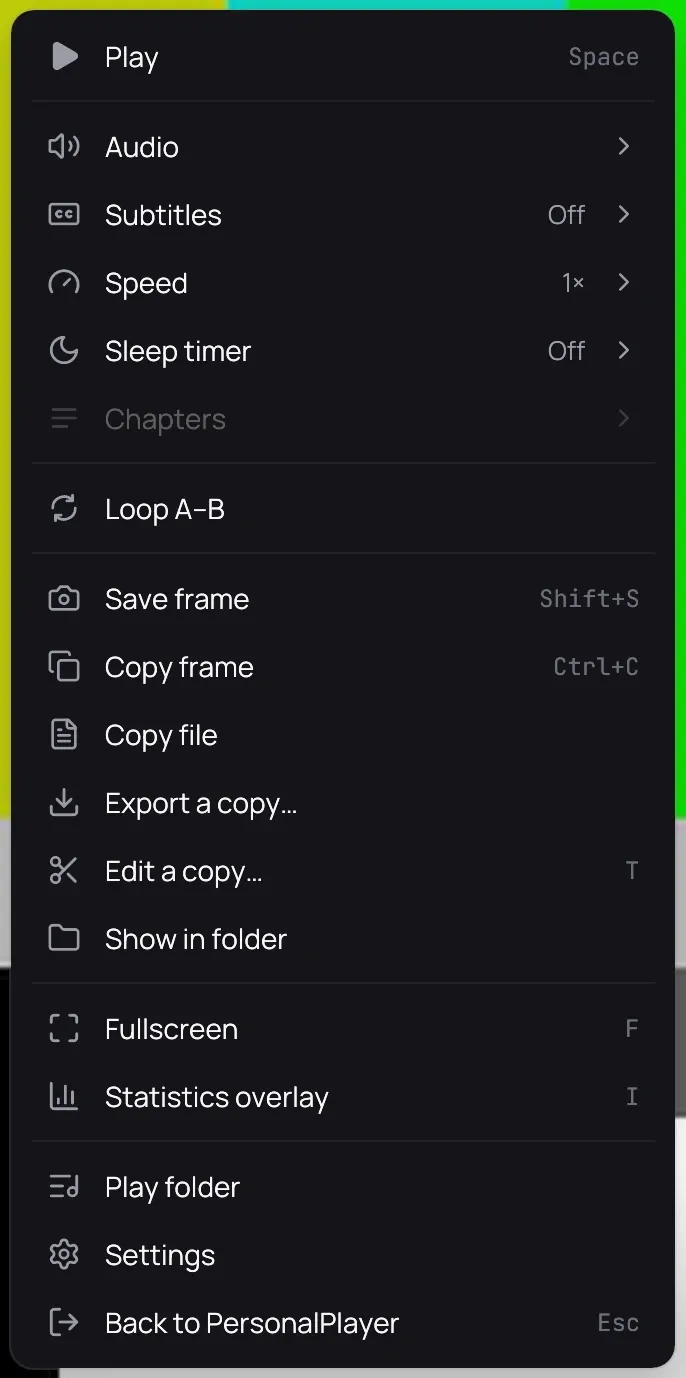
- Right-click the picture and choose Save frame, or press Shift+S.
- A message names the new picture; click the folder beside it to open where it went.
- To save PNG pictures instead of JPEG, change Saved frames in Behaviour.
Good to know
Section titled “Good to know”- A frame of a video in a personal category is saved beside the video. Any other video’s frame goes to a Kaveo folder in your Pictures folder, with no date.
- Kaveo never replaces a picture: a second frame of the same second is numbered, as in (2).
- There is no Save frame for a private title, a video playing from a server, or a trailer.
- When a video is made private, the frames saved beside it go into the vault with it, and come back out with it.