
Backup
What it is for
Section titled “What it is for”A backup keeps what you built in Kaveo — settings, categories, corrected titles, history, resume points, your volume, your playlists, the translation queue and your subtitles — in one file you can keep safe or carry to another computer.
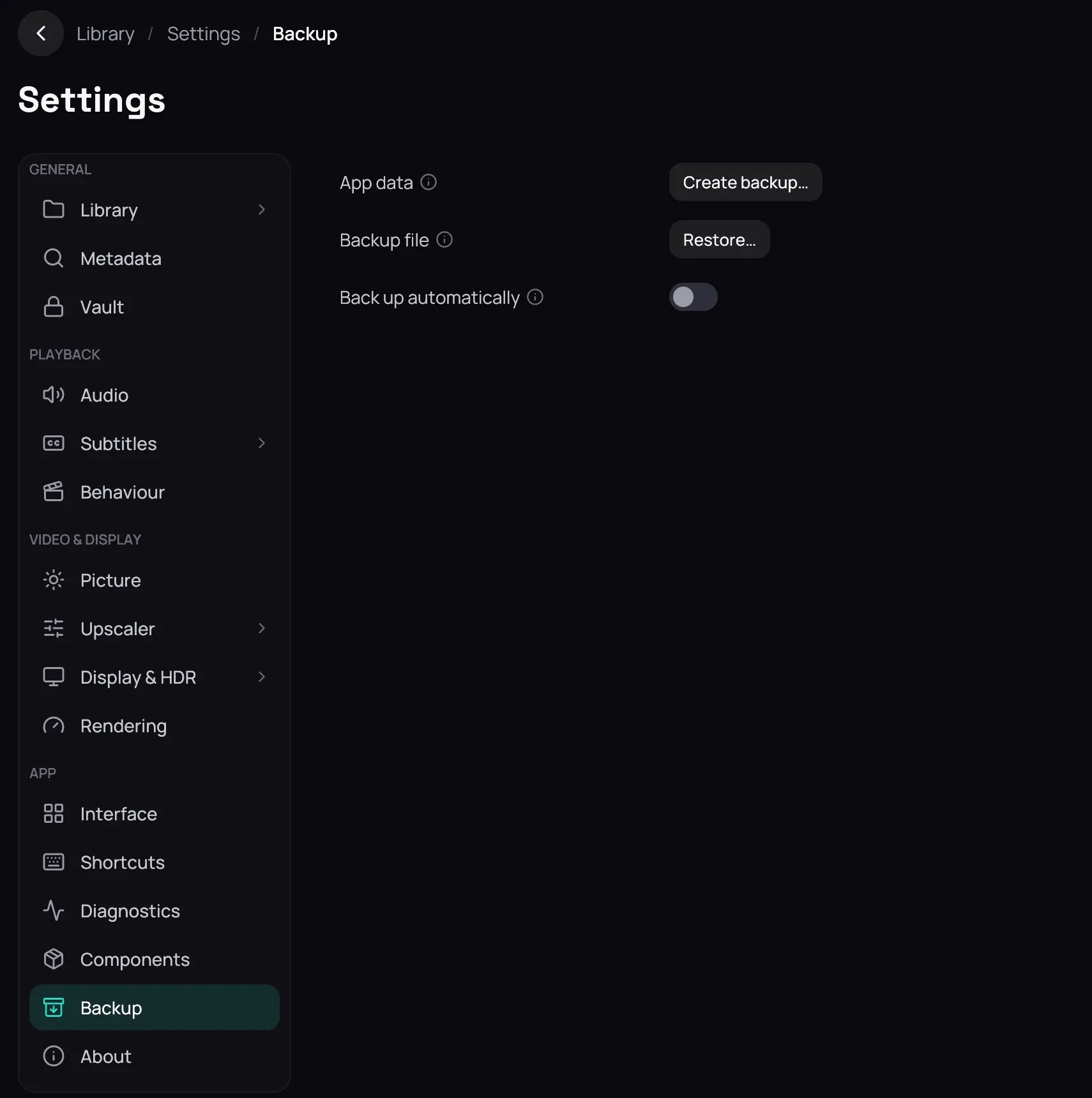
How to use it
Section titled “How to use it”- Open Settings, then Backup.
- Choose Create backup… and pick where to save the file.
- To bring one back, choose Restore… and pick the file.
- Check the date and version it shows, then choose Restore and restart.
Good to know
Section titled “Good to know”- Passwords, keys and server sign-ins are never in a backup: after a restore, sign in again. Your videos are not in it either.
- A restore replaces what you have; Kaveo first moves your current state into a folder it names, so it can be undone by hand.
- The list of private titles on this computer is never replaced by an older one from a backup.