
Shortcuts
What it is for
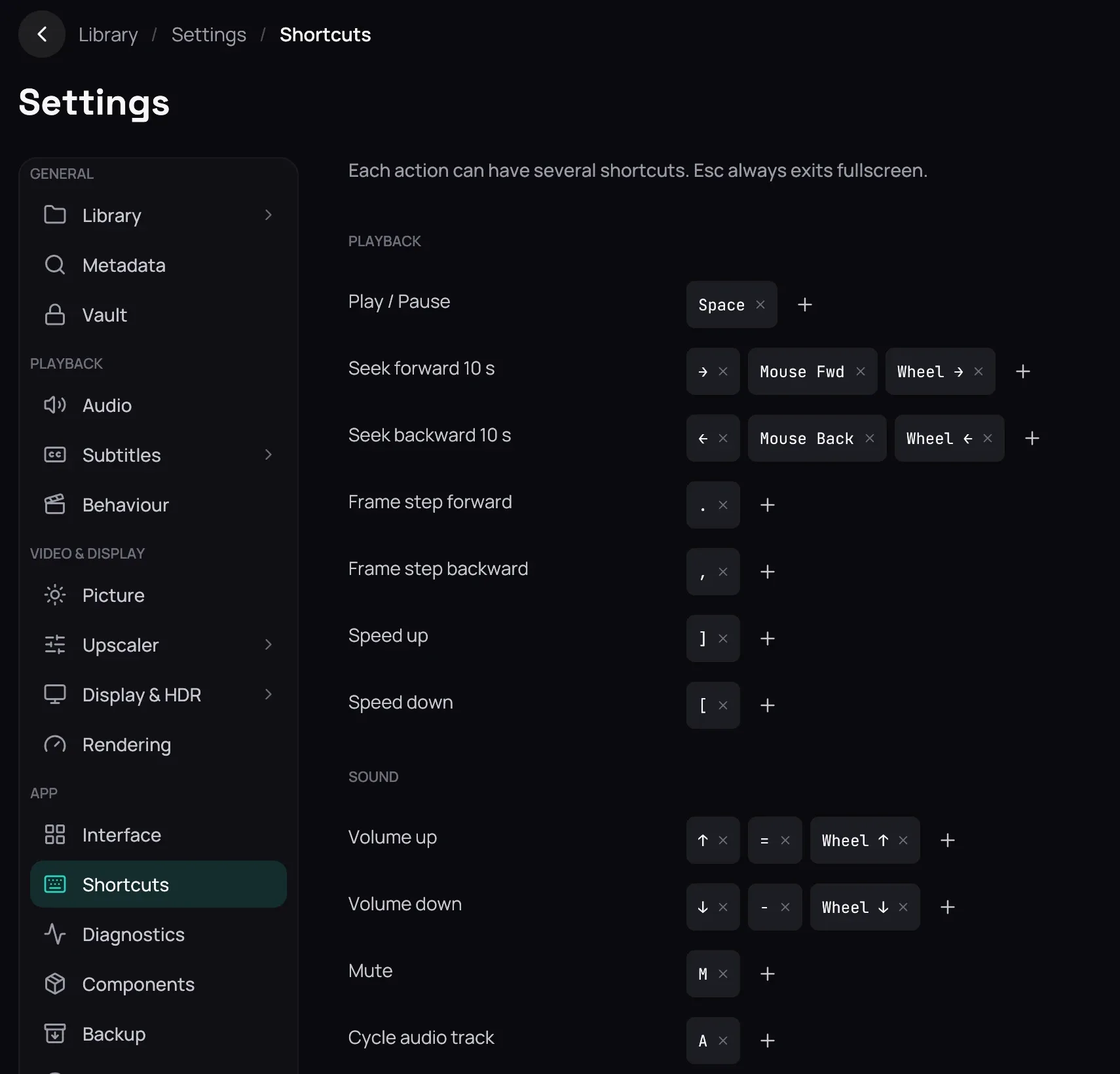
Section titled “What it is for”Settings › Shortcuts lists the player’s actions with the keys and mouse inputs that trigger them, and is where you change them. What each action ships with is Keyboard shortcuts.
How to use it
Section titled “How to use it”- Each row is one action this platform has, with its shortcuts beside it, in five groups — Playback, Sound, Subtitles, Picture & window, Tools; what they do is Player controls.
- Click Add on a row — it asks you to press a key or mouse… — and press what you want. Cancel, or Esc, backs out.
- Click the cross beside a shortcut to drop it: an action can hold several, so the rest stay.
- Reset to defaults, at the bottom, puts every action back to what it shipped with.
- Click Save to keep any of it — see Saving changes.
Good to know
Section titled “Good to know”- A key or button belongs to one action: give it to another and it is taken from the first, with no warning.
- A shortcut can be a mouse button or a wheel notch (Wheel ↑) as readily as a key, and it may carry Ctrl, Shift or Alt.
- Four actions arrive with no shortcut at all. Esc and F12 are not in the list because they work on every screen, not only over a film.