
Visualizer
What it is for
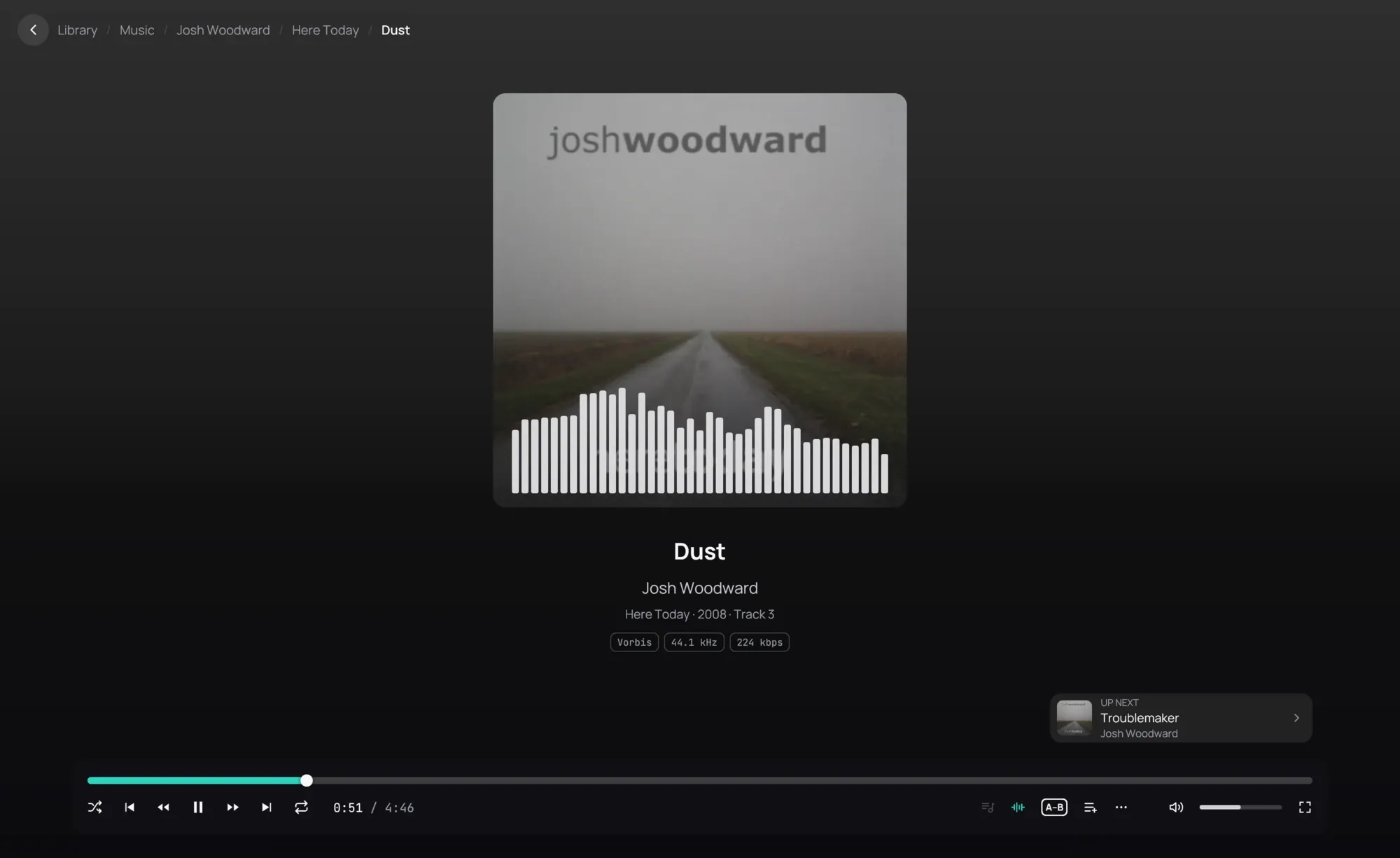
Section titled “What it is for”Watch the sound of a track while it plays: its spectrum, or its waveform.
How to use it
Section titled “How to use it”- Play a track.
- Click the visualizer button on the playback bar, beside the volume: the spectrum rises over the bottom of the cover.
- Click it again for the oscilloscope, in the cover’s place, and once more for the cover alone.
- Kaveo remembers your choice. Visualizer in Settings › Audio sets it too.
Good to know
Section titled “Good to know”- It shows what you hear, when you hear it, after the volume and the equalizer: lower the volume and the bars drop with it.
- A track sent undecoded to a receiver by Bitstream passthrough has nothing for Kaveo to draw, and the player says so.
- On a narrow window the lyrics take the cover’s place, and the visualizer gives way to them.