
Rendering
What it is for
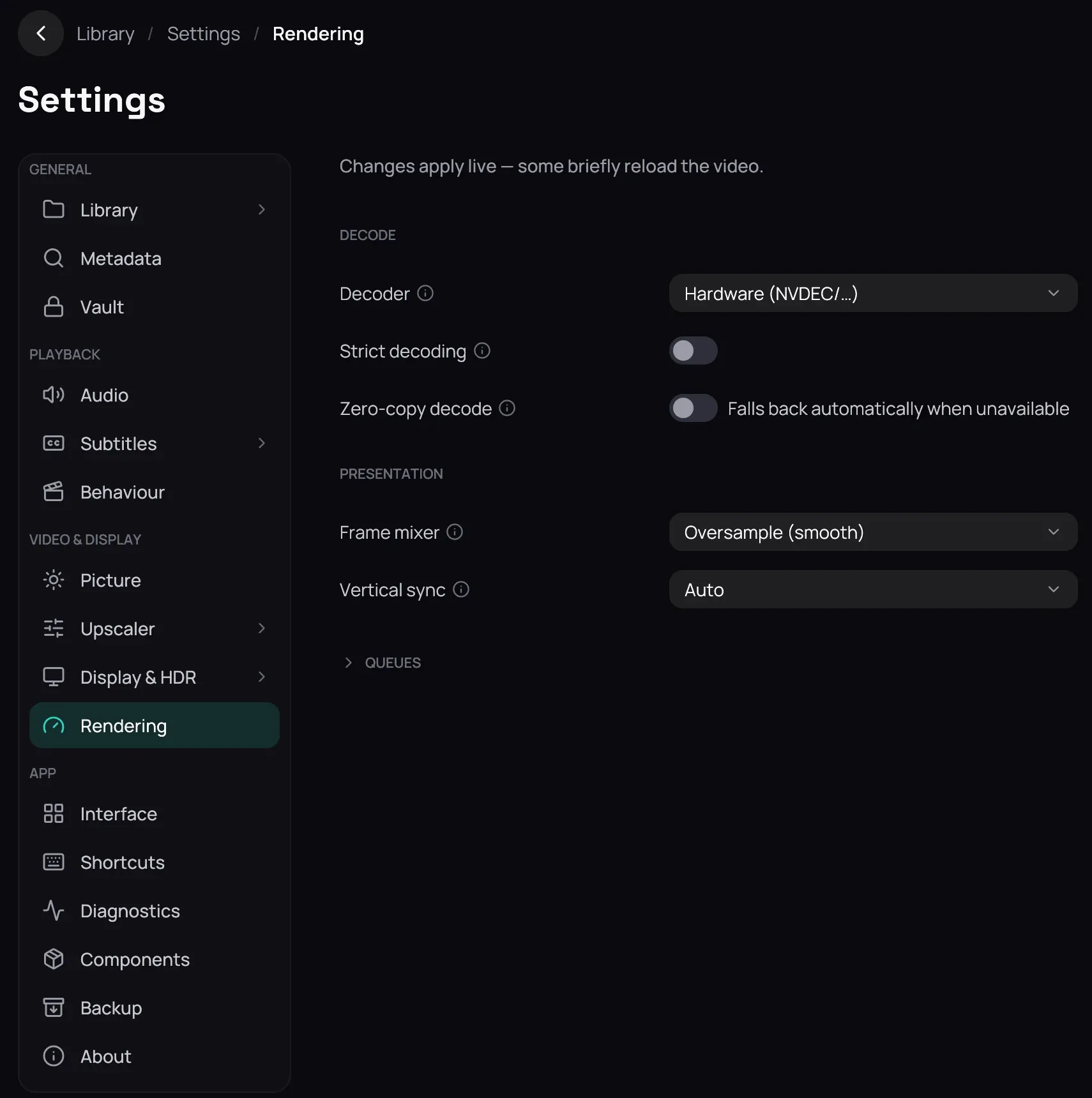
Section titled “What it is for”Settings › Rendering is the machinery under a film rather than its look: which decoder opens it, and how finished frames reach the screen.
How to use it
Section titled “How to use it”- Under Decode, leave Decoder on Hardware (NVDEC/…); Software is slower but opens anything, and there is a Vulkan decoder too.
- Turn on Strict decoding to refuse a file the decoder cannot handle, rather than quietly fall back.
- Zero-copy decode saves a little bandwidth and starts off.
- Under Presentation, Frame mixer starts on Oversample (smooth); Nearest (no blend) invents no frames, and every other entry blends them — frame interpolation.
- Leave Vertical sync on Auto unless you see tearing or stutter, then Save — see Saving changes.
Good to know
Section titled “Good to know”- Zero-copy decode is switched off for you while the neural upscaler runs, and the switch still shows whatever you set.
- Queues folds away four expert settings, in frames, for how far ahead Kaveo decodes and presents; on Windows Presentation has one row more, Exclusive fullscreen (experimental).
- Every row waits for Save; a change made while a film plays reopens it where you were.