
Upscaler
What it is for
Section titled “What it is for”Settings › Upscaler is the picture pipeline — four of its tabs are the order things happen to a frame: repaired, enlarged, shrunk, finished. The neural upscaler is one of its choices, not a switch above it.
How to use it
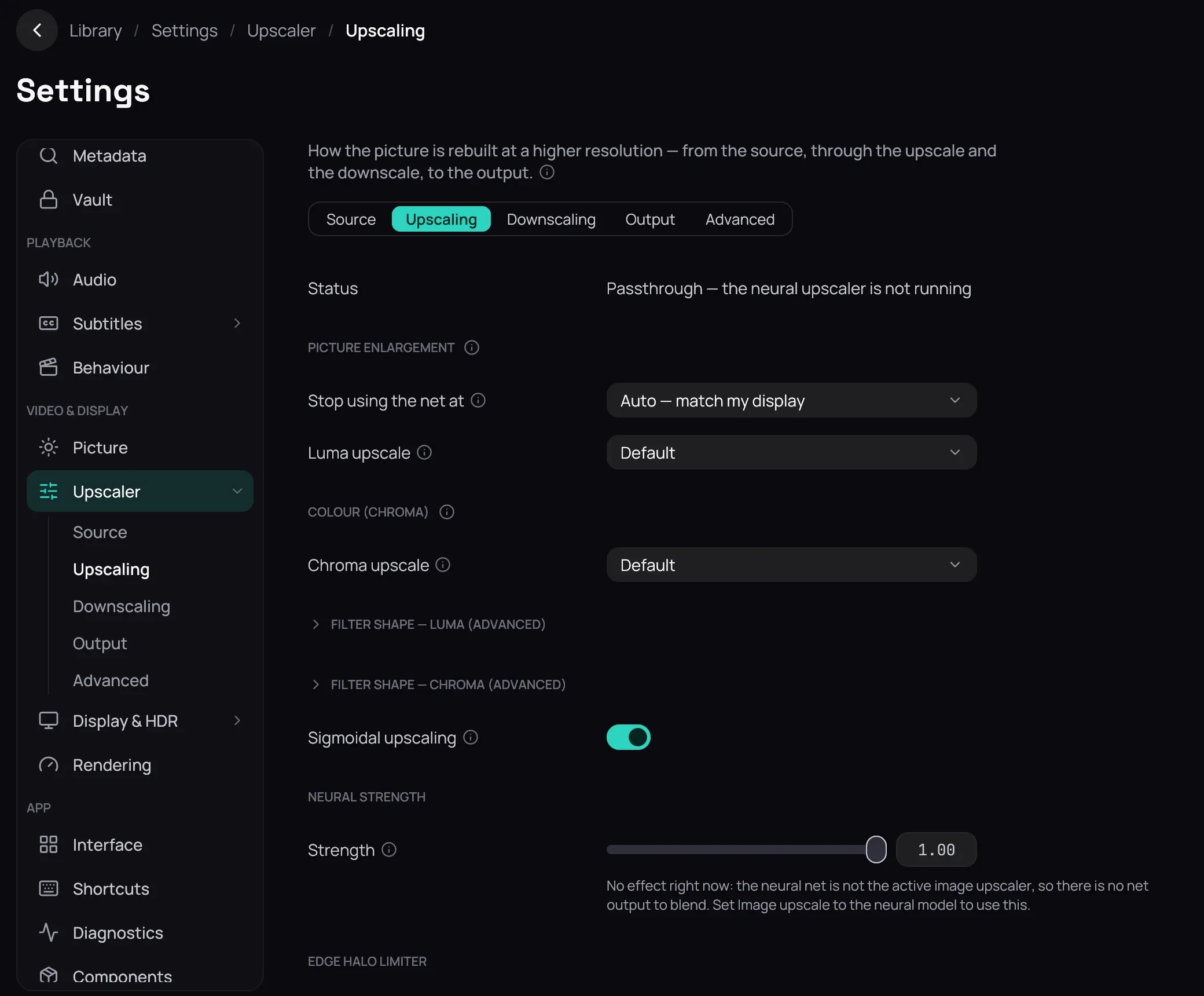
Section titled “How to use it”- Status, under the tabs, says what the net is doing; unconfigured it reads Passthrough — the neural upscaler is not running.
- On Upscaling, under Picture enlargement, set Luma upscale to Neural model to turn the net on; Content type picks its family; Stop using the net at skips sources that already fill your display.
- Below sit Chroma upscale, Sigmoidal upscaling, Strength, Limit edge halos and Render scale.
- Every tab holds more rows than this page names: Source cleans the file (Reduce banding, Sharpness, CAS, Line darkening), Downscaling fits an oversized source, Output finishes it (Anti-ringing, Deinterlacing, Output dithering), and Advanced holds the model files and, under Engine, Execution provider.
- Click Save to keep it — see Saving changes.
Good to know
Section titled “Good to know”- The net needs a model file: Base model, Anime model and Live-action model, on Advanced. While it is not the active upscaler, Strength and Limit edge halos say so underneath and stay editable. Their note calls the picker Image upscale, a row that no longer exists.
- The first play after a model or provider change is slower — Status reads Optimizing for your GPU….
- Picture covers colour and placement; Rendering the decoder and frame delivery.