
Artist pictures
What it is for
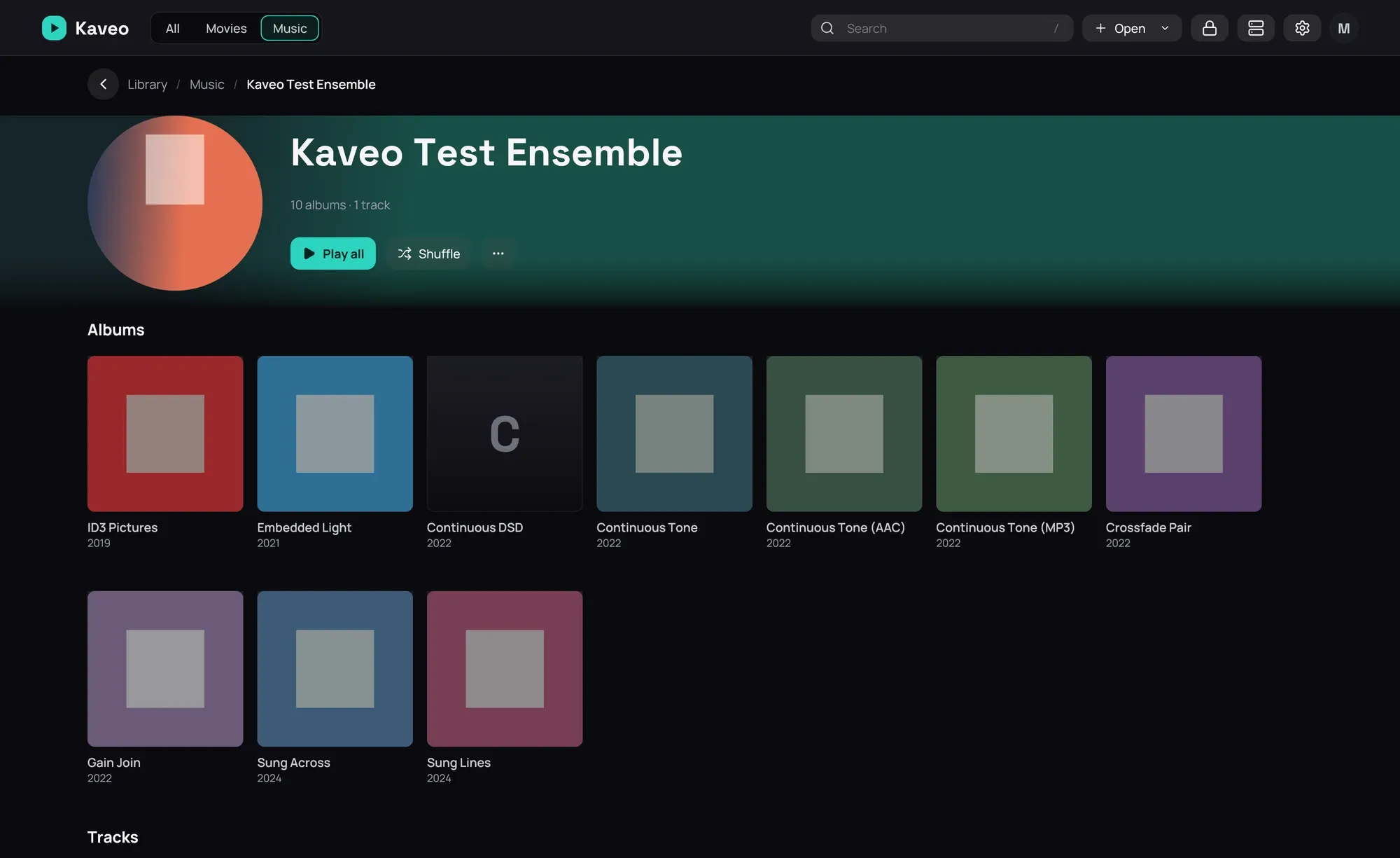
Section titled “What it is for”Show each artist’s picture on their page, in the artists list and in a search — from your own files first.
How to use it
Section titled “How to use it”- In the folder named after the artist, beside their album folders, put artist.jpg or folder.jpg; a backdrop.jpg there fills the band behind their name.
- With a Jellyfin server, the pictures it holds for an artist are used next.
- For the rest, Kaveo looks online. To stop it, turn off Artist pictures online in Settings › Metadata and click Save.
- To delete the pictures found online, click Clear beside Downloaded artist pictures.
Good to know
Section titled “Good to know”- Online pictures come from MusicBrainz and Wikimedia Commons, which receive the artist names and album titles — only for the artists you scroll past, as they appear.
- A picture is used only when one of the artist’s albums confirms who they are, so an artist with only loose songs keeps the placeholder.
- An online picture’s author and licence are shown under the artist’s name; the licence opens the picture’s page.
- With a free fanart.tv or TheAudioDB key in Settings › Metadata, their pictures come after these, and a biography from TheAudioDB or Last.fm appears under the name.