
When the graphics card stops responding
What it is for
Section titled “What it is for”Now and then a graphics card stops responding for a moment — a driver timeout. Kaveo recovers from it by itself instead of closing.
How to use it
Section titled “How to use it”There is nothing to do. The window goes still for a few seconds, then:
- The first time, the video opens again where you were, with the same settings, and Kaveo recovered and resumed where you were appears.
- If it happens again within ten minutes, Kaveo returns to the library instead. Your position is saved: open the title to resume.
- A third time within ten minutes, Kaveo closes with a message, The graphics card keeps failing.
Good to know
Section titled “Good to know”-
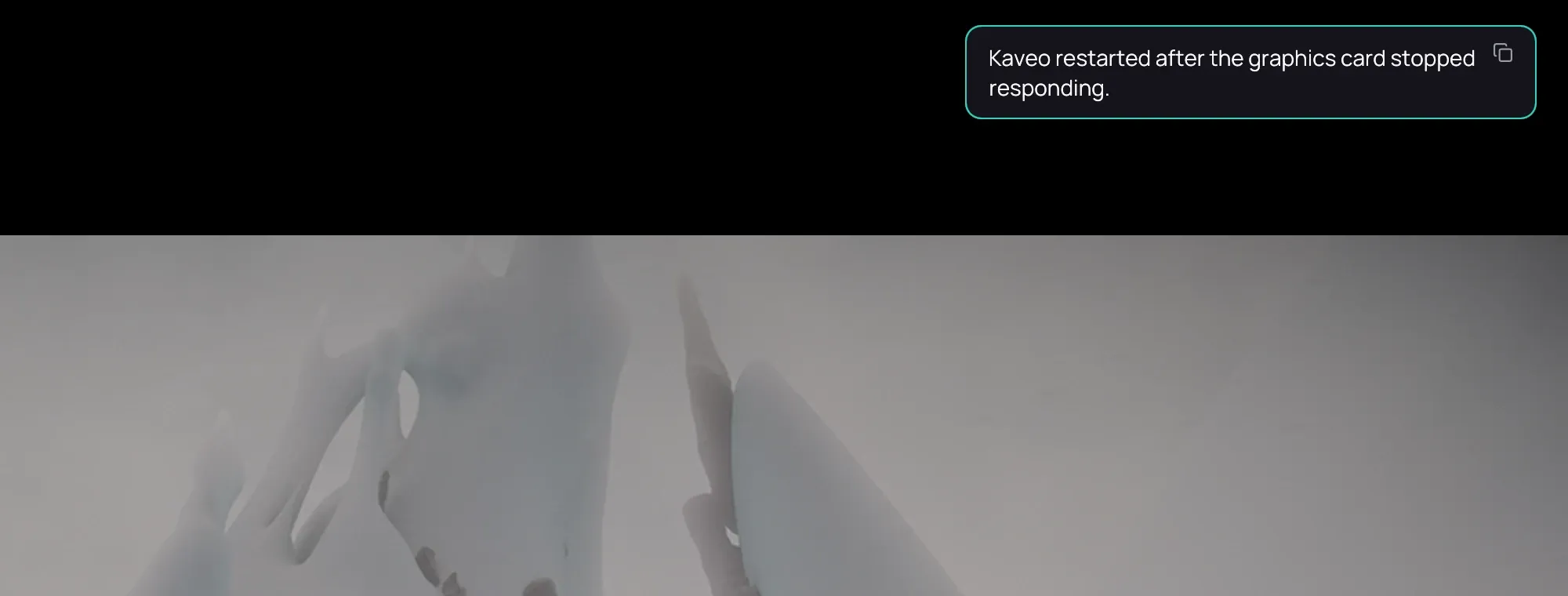
Sometimes Kaveo has to restart itself to use hardware decoding and the upscaler again. It reopens the video where you were and says Kaveo restarted after the graphics card stopped responding.
-
After a restart, a video from a server or a private title is not reopened: open it from the library.
-
If it keeps happening, try playing without the neural upscaler, update the graphics driver and check the displays connected to the computer.
-
On an X11 desktop Kaveo always recovers by restarting: the window closes and opens again.