
Sleep timer
What it is for
Section titled “What it is for”Fall asleep to an audiobook, a podcast or a film without it playing all night.
How to use it
Section titled “How to use it”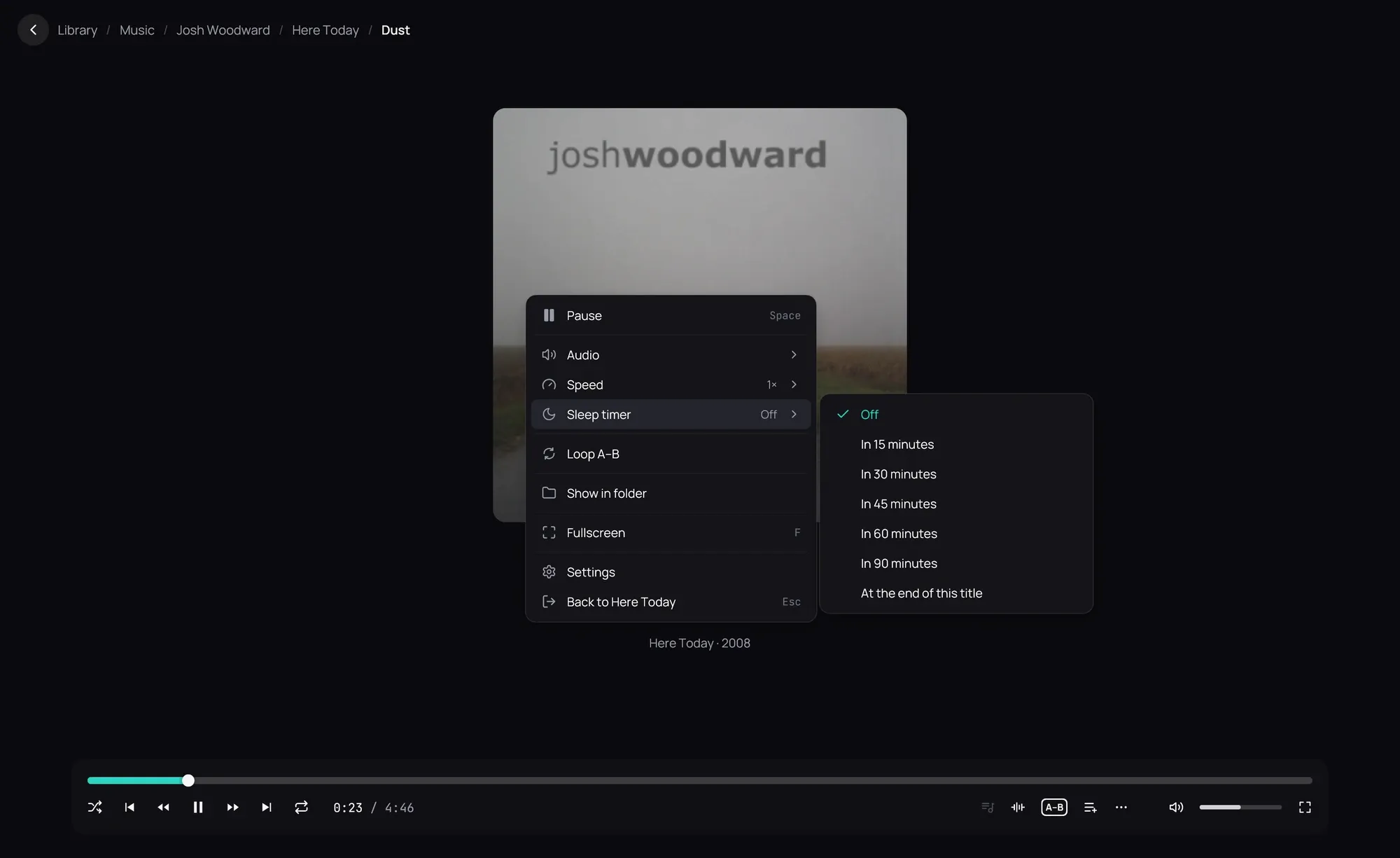
- While something plays, right-click the player and open Sleep timer.
- Choose how long: from 15 to 90 minutes, or At the end of this title.
- When the time is up, playback pauses; at the end of the title, nothing else starts.
- The menu shows the minutes left; choose Off to cancel.
Good to know
Section titled “Good to know”- The timer ends when you close the player, and is not kept after a restart.
- An audiobook (M4B) or any track over 20 minutes picks up exactly where it paused next time.