
Volume and dynamics
What it is for
Section titled “What it is for”A song, an episode and a film can sound equally loud, a film can be watched quietly at night, and voices can stand out from the music.
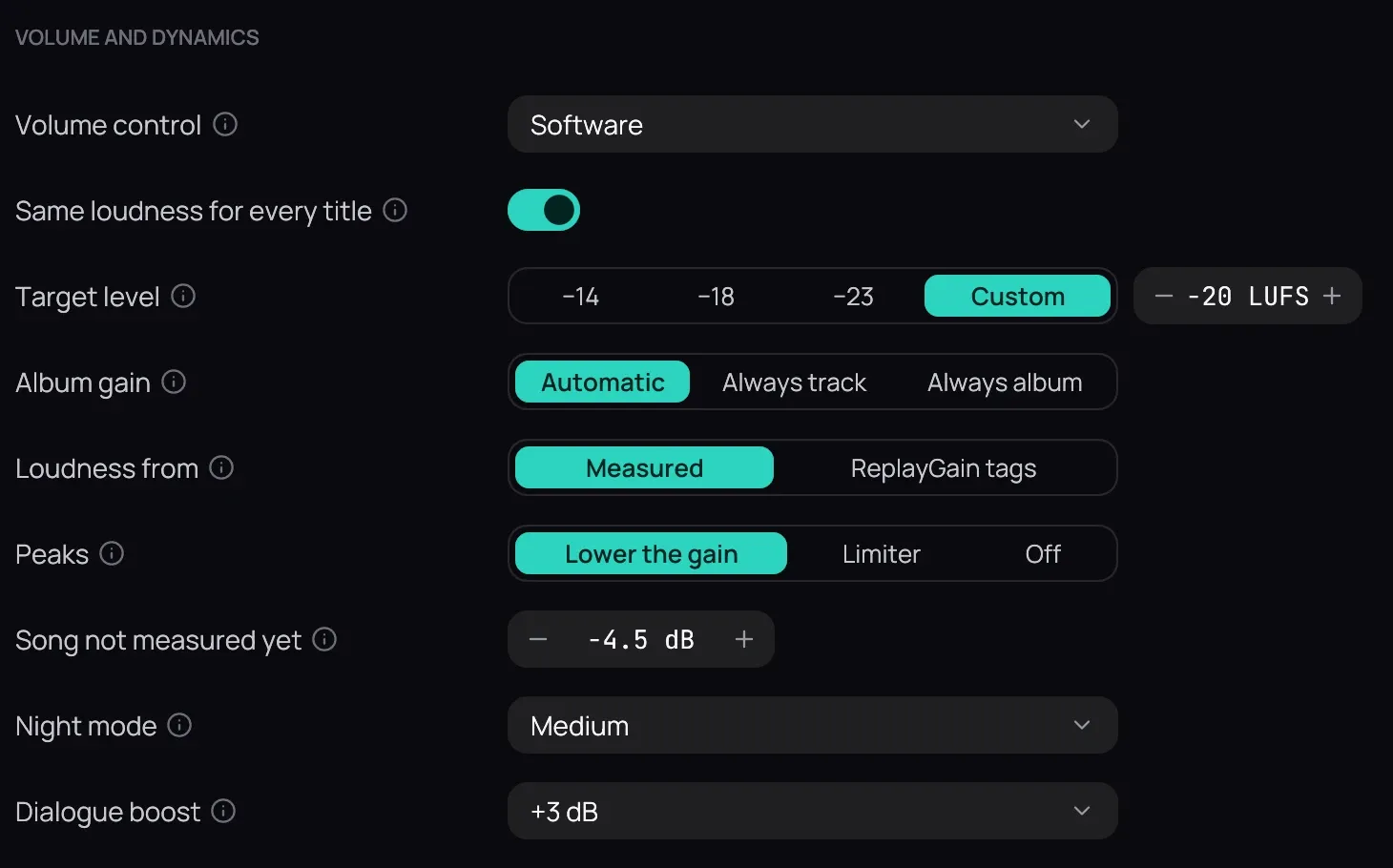
How to use it
Section titled “How to use it”- In Settings › Audio, turn on Same loudness for every title; your local files are measured in the background while nothing plays. Its other rows are in Same loudness for every title.
- Set Night mode to Light, Medium or Strong to bring dialogue and explosions closer.
- Set Dialogue boost to +3 dB or +6 dB to raise the voices.
- While watching, right-click the picture and open Audio › Sound to change any of them at once.
Good to know
Section titled “Good to know”- None of them acts on Dolby or DTS sent undecoded to a receiver with Bitstream passthrough.
- Dialogue boost needs 5.1 or 7.1 sound: stereo has no separate voice channel.
- The slider goes to 200 %; its middle, the original level, is the only bit-perfect one. Keys and the wheel stop there: press again to go higher. Titles open at your last volume.
- With Volume control on Output device in Audio, the slider turns the device’s own volume, so the sound stays bit-perfect below 100 %. It needs a chosen Audio output device with Exclusive output on. Its volume returns afterwards, even after a crash.
- Music levelled by another program (ReplayGain) plays at that level until Kaveo has measured it, or for good with Loudness from on ReplayGain tags.