
Opening a web address
What it is for
Section titled “What it is for”Play something that is not on your disk: a video file or a stream on the web, or a page with a video on it, such as YouTube’s.
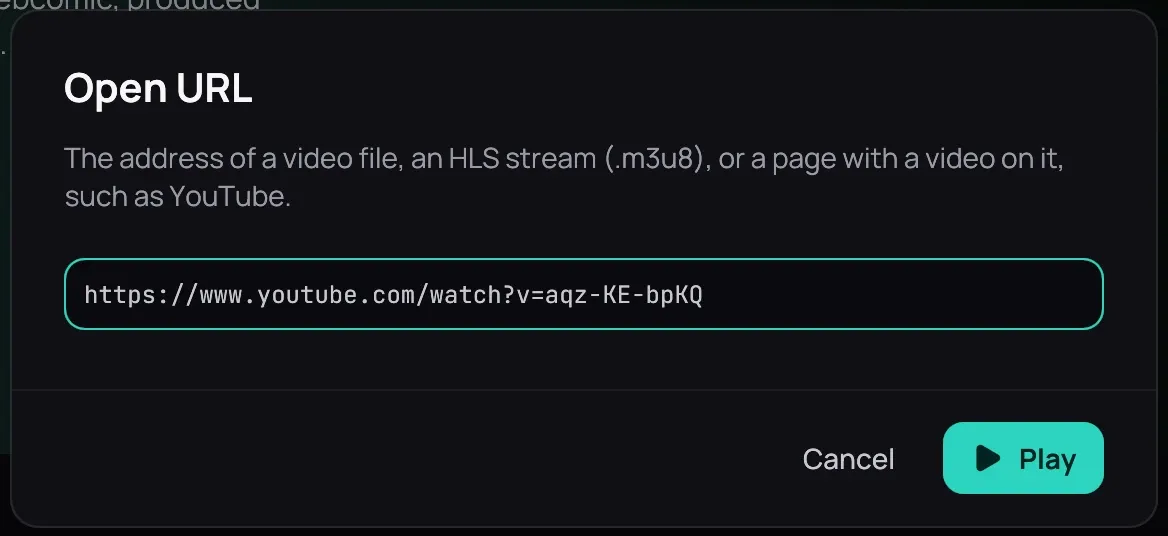
How to use it
Section titled “How to use it”- Click Open › Open URL… in the top bar, or press Ctrl+L. An address you copied is already in the field.
- Click Play. A page takes a few seconds to read; Cancel stops it.
- To change how sharp it plays, right-click the picture and choose Quality; it goes on from where it was.
- The address joins Recently played, and opens from there where you left it.
Good to know
Section titled “Good to know”- A live stream has no seek bar and shows LIVE; it is never resumed.
- When an address cannot be played, Kaveo says why and what to do — for a site that wants you signed in, choose your browser under Site cookies in Metadata.
- The sharpness it starts at is set under Behaviour. From a terminal, see Command line.