
Podcasts
What it is for
Section titled “What it is for”Follow podcasts without an account: Kaveo reads each show’s RSS feed and lists its episodes.
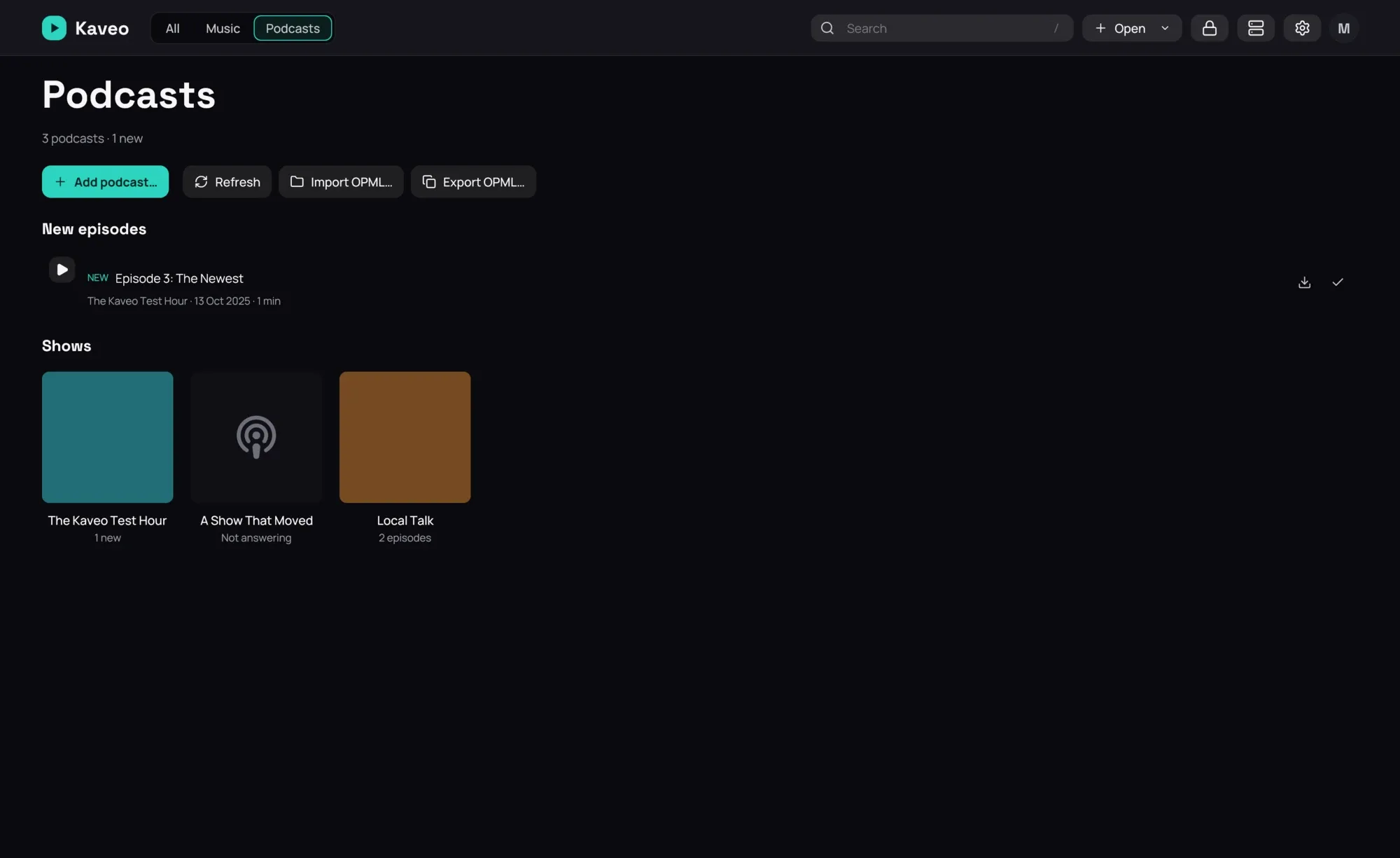
How to use it
Section titled “How to use it”- In Settings › Library › Categories, tick Podcasts on a category. That category is your podcasts page.
- On it, click Add podcast… and paste the feed’s address, or Import OPML… to bring your subscriptions from another app.
- Open a show and click Play beside an episode. It streams; Download keeps a copy, which plays from then on.
- An episode resumes where you stopped, and is marked played once you have heard 90% of it.
Good to know
Section titled “Good to know”- A folder of episodes in one of the category’s folders becomes a show of its own.
- Feeds are checked when Kaveo starts and every six hours; Refresh checks now.
- A feed that stops answering says so; its episodes stay listed and Kaveo keeps asking.
- Downloads go to the folder set in Settings › Library › Folders.
- Speed and chapters work as for any other track.