
Search and genres
What it is for
Section titled “What it is for”Search, or click a genre, to see a plain list of titles instead of the home’s rows — a result you can sort and narrow further.

How to use it
Section titled “How to use it”Search or open a genre
Section titled “Search or open a genre”- Type in the search field (press / to jump there), or click a genre row’s title on the home screen.
- Look over the grid of cards that comes back.
- To start over, click the cross at the end of the search field (Clear search).
Narrow it further
Section titled “Narrow it further”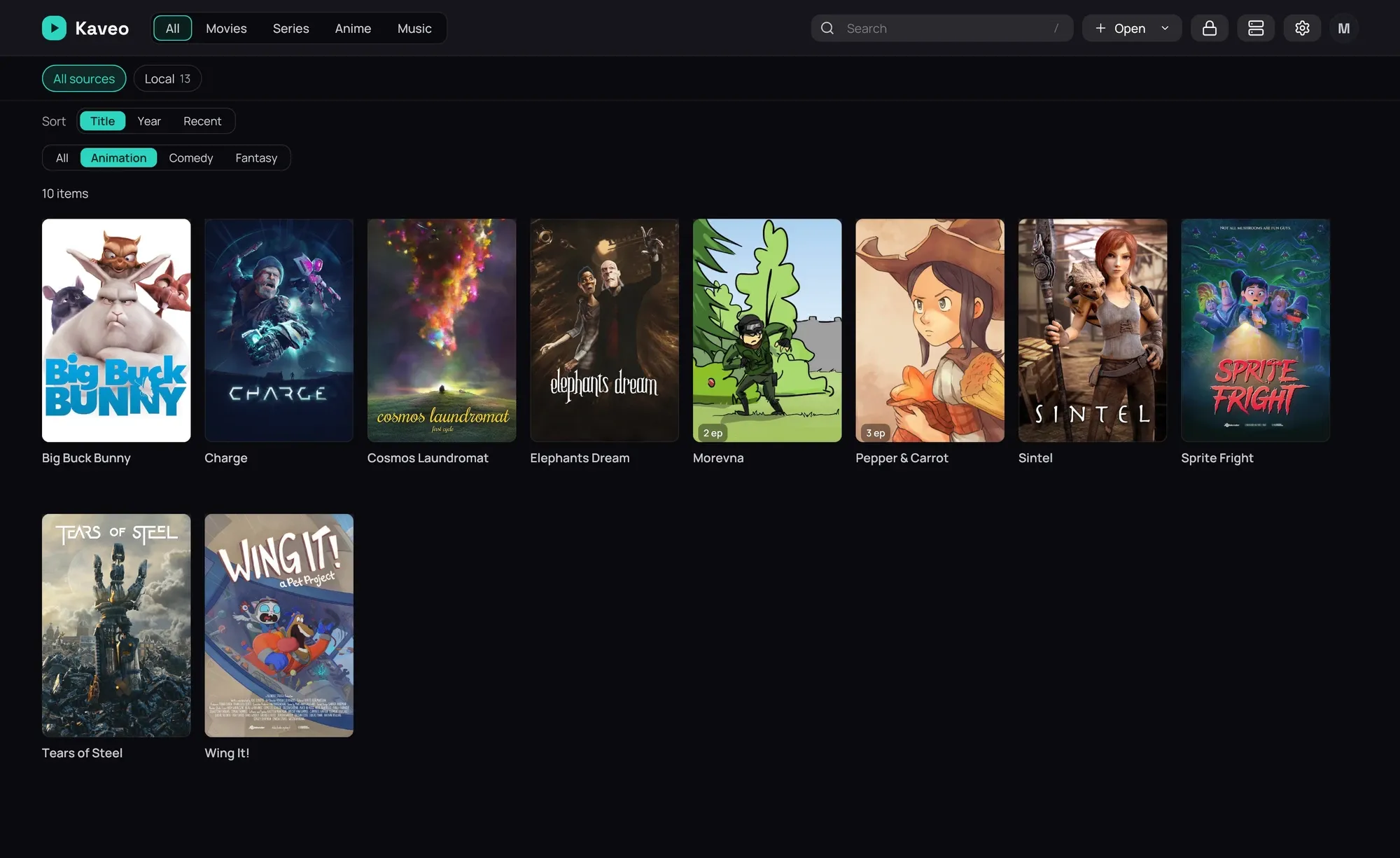
- Click a chip above the grid — All, or a genre or tag — to narrow the list further.
- Use the sort control to reorder the list by Title, Year or Recent.
Find music
Section titled “Find music”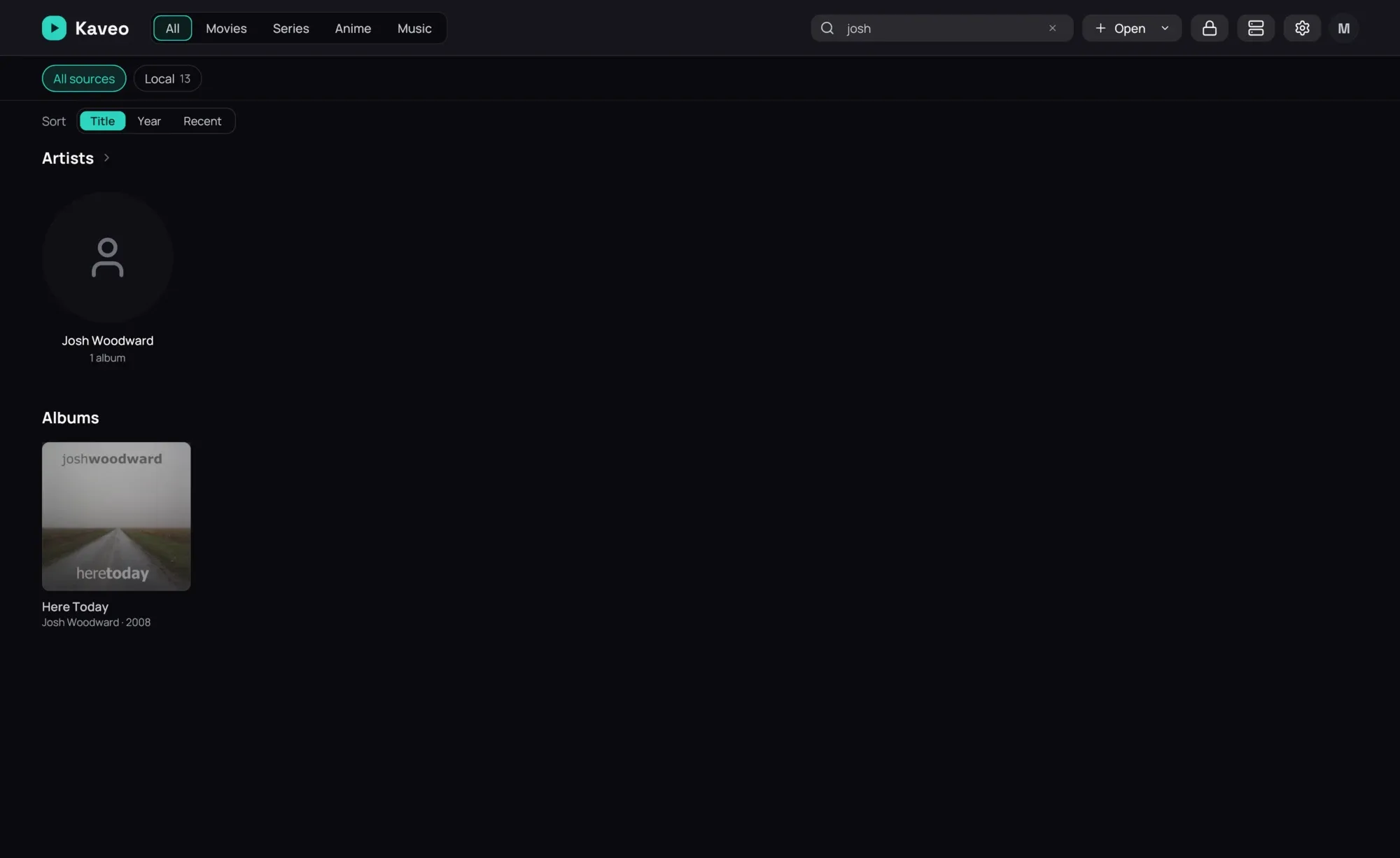
- Type an artist’s name to see the artist and their albums; a compilation with a song by them is found too.
- Type a song’s title to see it under Tracks, above the grid; click its number, or double-click the row, to play it and go on with the rest of its album. Titles and albums found are shown in grids of their own.
Good to know
Section titled “Good to know”- A category or a source is a place and keeps the home’s rows; a search or a single genre is a result and gets this list.
- The chips show only the genres and tags your current list actually contains.