
The song screen
What it is for
Section titled “What it is for”See what is playing and where it comes from, and go on to its artist, its album or the next song.
How to use it
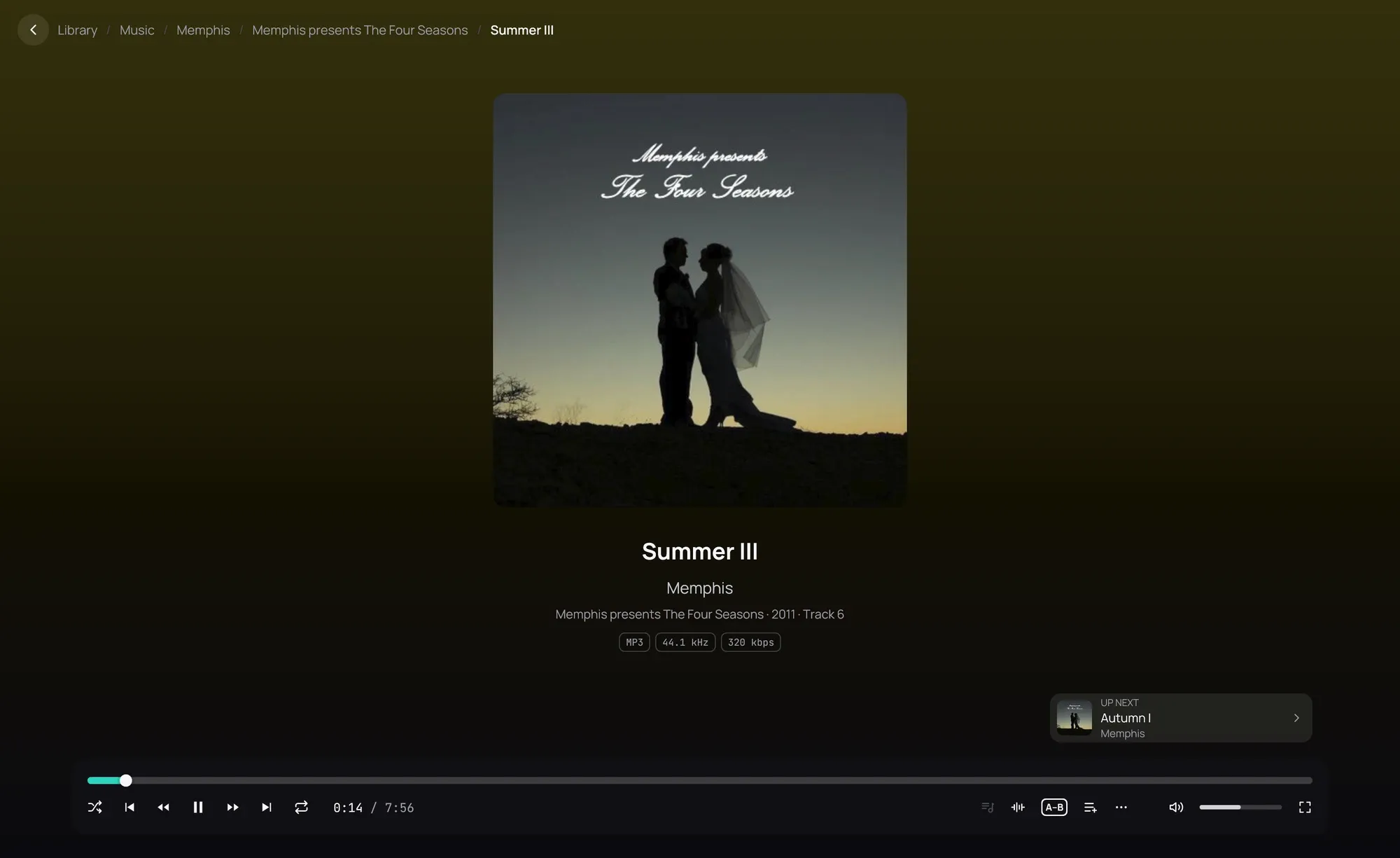
Section titled “How to use it”- Play a song: its cover fills the middle, over a background in the cover’s colour.
- Click the artist or the album under the title to open its page; the song goes on playing in the bar at the bottom.
- The album line gives the year and the track’s number, and how many the album has when the file says so.
- The boxes under it name the file’s format: its kind, its bit depth for a lossless file, its sample rate, and its bitrate for a compressed one.
- Click Up next, at the bottom right, to play the next song now.
Good to know
Section titled “Good to know”- Turn off Colour from the cover in Settings › Interface for a plain background; the Light and High contrast player themes always keep one.
- Up next is hidden while the queue is open, when nothing follows, and when one song repeats.