
Exporting your photos and videos
What it is for
Section titled “What it is for”Copy your own photos and videos somewhere else — a USB stick, a shared folder — keeping the date each was taken, so they sort the same way there. The photos and subtitles named after a video go with it, and a Live Photo’s motion goes with its photo.
How to use it
Section titled “How to use it”One photo or video
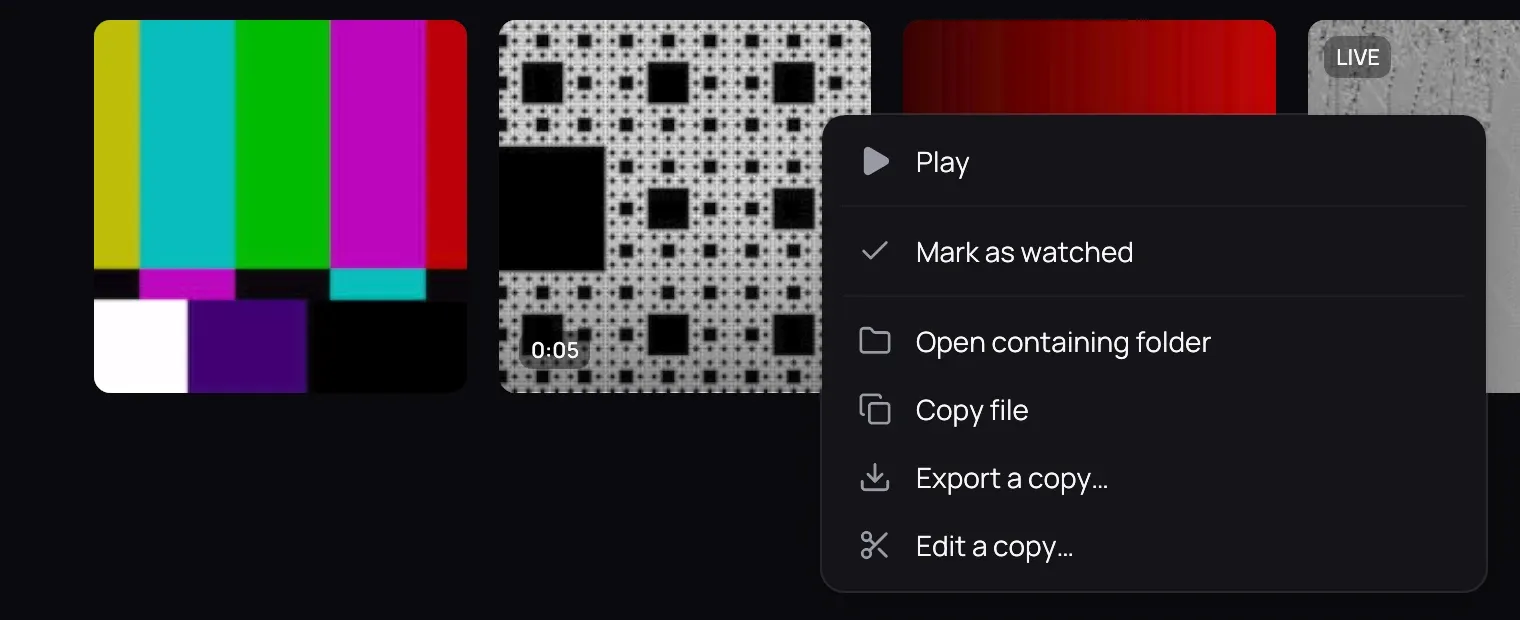
Section titled “One photo or video”- Right-click its card on its folder’s page, the photo in the viewer, or the picture while a video plays.
- Choose Export a copy… and pick a folder.
A whole folder
Section titled “A whole folder”- Open the folder’s page and click Export folder…, or right-click the folder’s card.
- Pick where to put it: Kaveo makes a folder with the same name there.
Good to know
Section titled “Good to know”- The progress shows at the top of the library. Click the cross beside it to stop: what is already copied stays, and a message says where the copies are.
- Nothing is ever replaced: a name already taken gets a number, and a copy already there is not made again, so exporting again after a stop adds only what is missing.
- Private videos and ripped discs are left out, and the message says how many. A folder inside the one you export has a card of its own, and is exported from there.