
Playing on a loop
What it is for
Section titled “What it is for”An advert on a screen at work, the music in a shop: Kaveo plays a video, a folder or a playlist over and over by itself.
How to use it
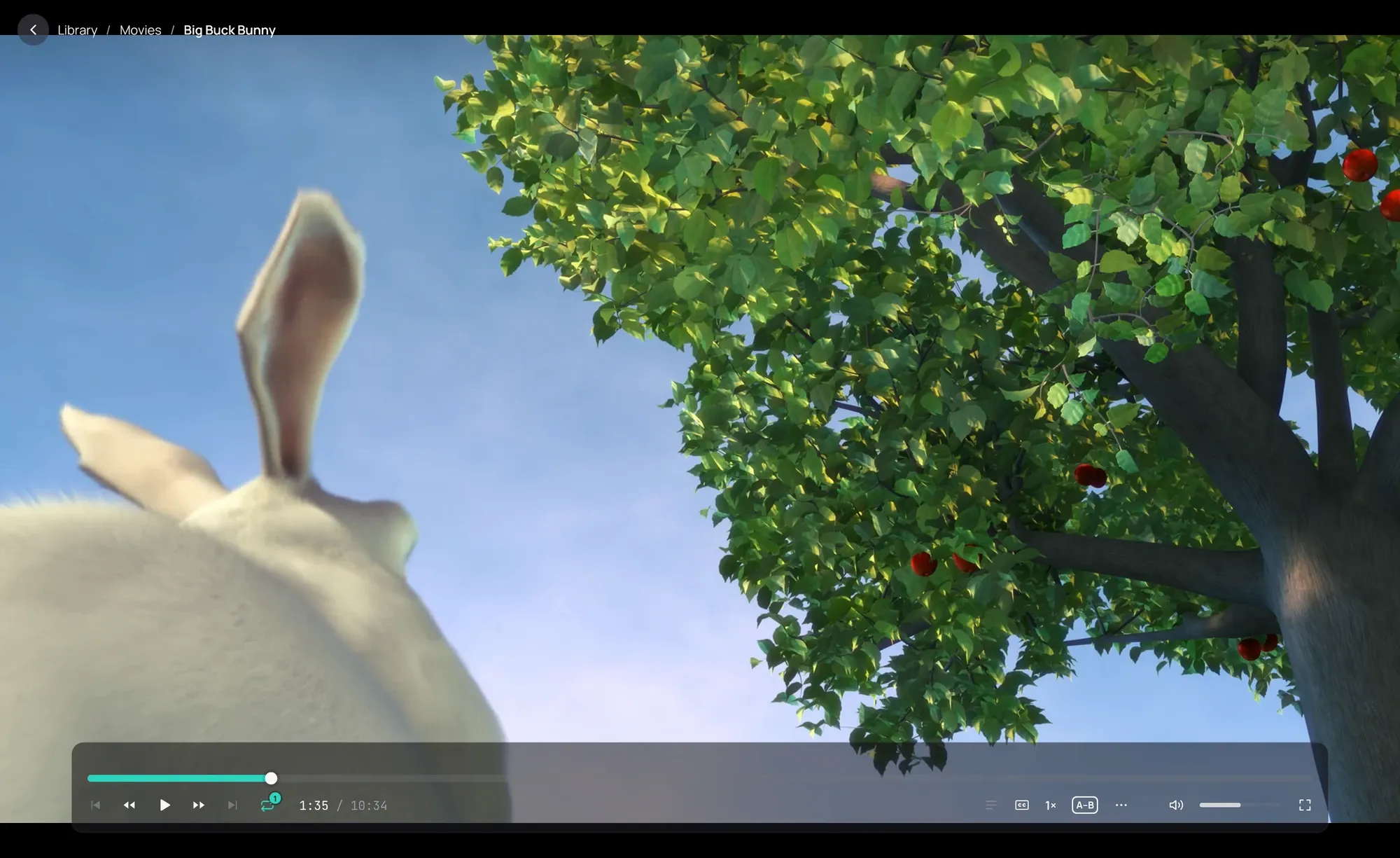
Section titled “How to use it”- To repeat what is playing, click Repeat on the playback bar: off, then this video, then the whole list (music: the list first).
- To start a loop from outside Kaveo, right-click a folder and choose Loop this folder with Kaveo (From your file manager), or start Kaveo with the loop option on a video, a folder or a playlist (Command line).
Good to know
Section titled “Good to know”- A video starts again at once, in the same window and in full screen if it was, with no Up next card between the laps; the screen does not go to sleep. Music goes from the last track to the first with no gap, or with the crossfade if it is on.
- A lap is not a new play: Recently played shows the loop once, and no position is kept.
- A file that does not play is skipped. If nothing in the list plays, the loop stops and says so.
- Started the same way after a restart, it goes on where it was; with the full screen option, it fills the screen at once.
- A loop leaves your own Repeat choices as they were. A lit Repeat means what plays starts again at its end.