
Equalizer
What it is for
Section titled “What it is for”The equalizer raises or lowers the bass, the middle and the treble of everything you play, music and video alike.
How to use it
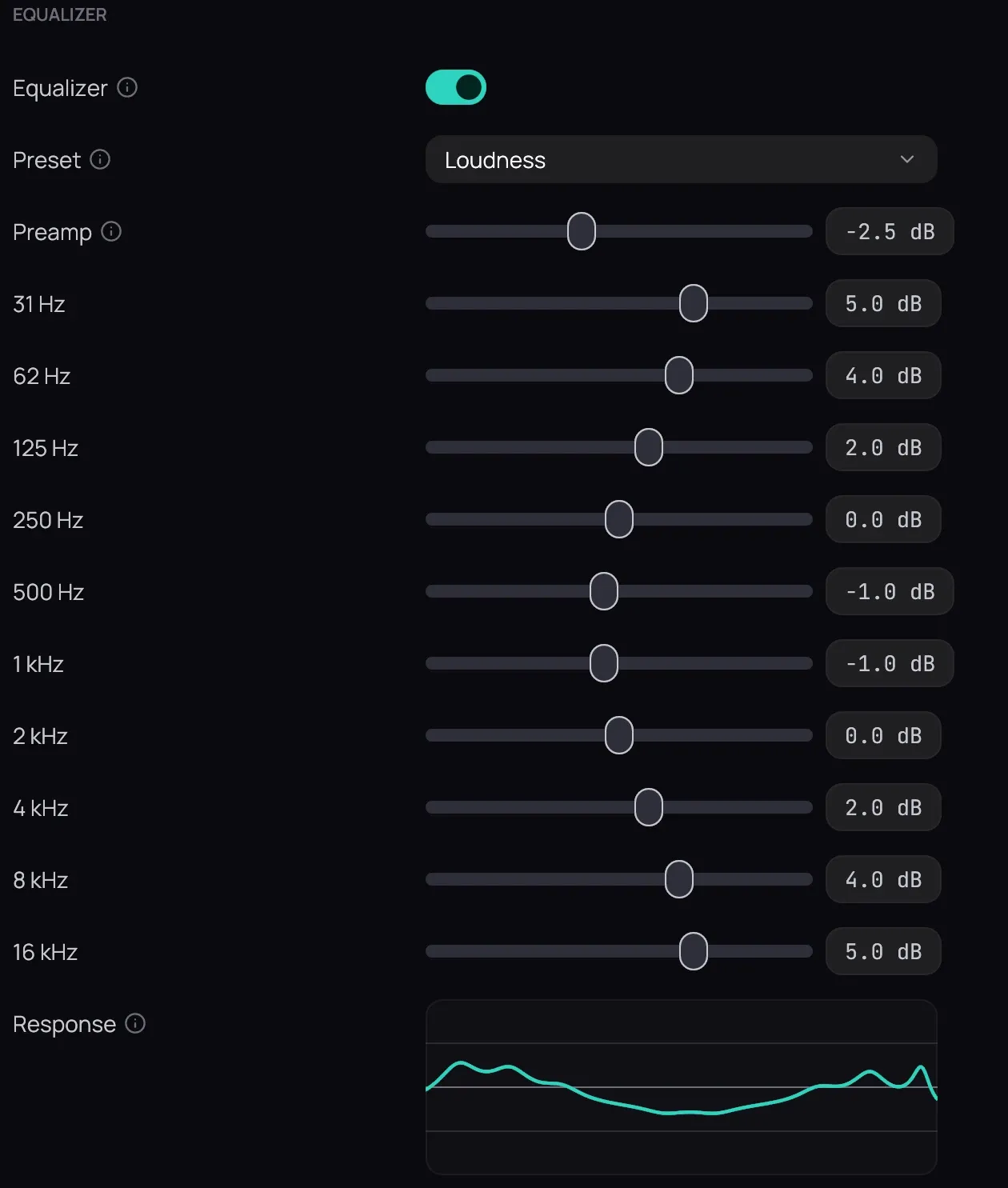
Section titled “How to use it”- In Settings › Audio, turn on Equalizer; it is off to begin with.
- Pick a Preset, such as Bass boost or Vocal, or move the sliders yourself.
- Lower Preamp to leave room when you raise several bands; Response draws what they do together.
- Type a name beside Save as preset and press Save to keep your own curve.
- While playing, right-click the picture and open Audio to switch presets at once.
Good to know
Section titled “Good to know”- Choosing a preset turns the equalizer on; Off in the Audio menu keeps your sliders for next time.
- It does not act on Dolby or DTS sound sent undecoded to a receiver with Bitstream passthrough; use the receiver’s own tone controls there.
- Changes are heard straight away and fade in smoothly, without a click.