
Leaving files out
What it is for
Section titled “What it is for”Some folders hold things that are not for the library — a download still in progress, a folder of trailers, a film you keep but do not want listed. Kaveo can leave them out of every scan.
How to use it
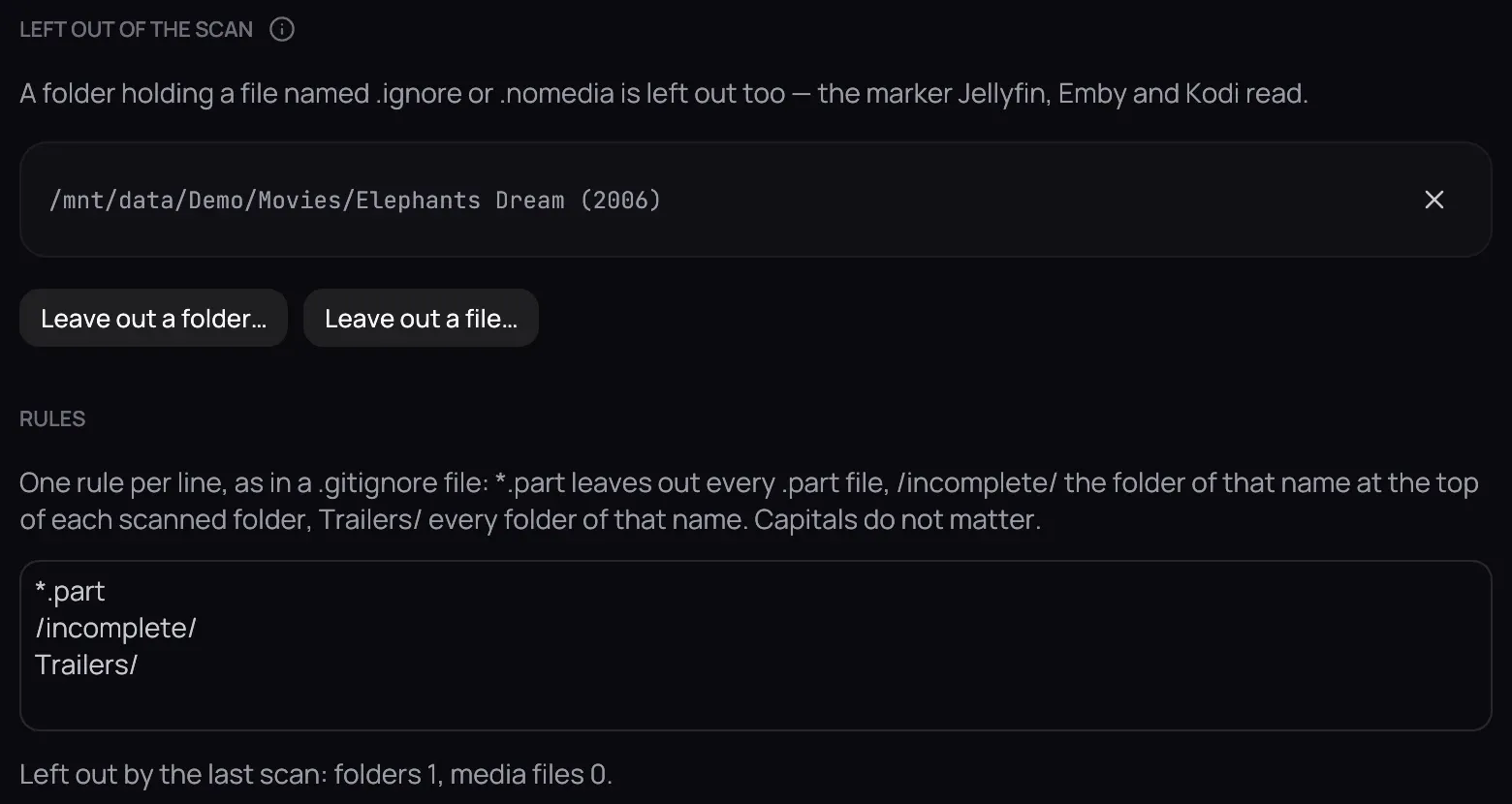
Section titled “How to use it”- Open Settings › Library › Folders and scroll to Left out of the scan.
- Click Leave out a folder… or Leave out a file… and choose it — or right-click a title’s card and choose Exclude from library….
- Or write rules under Rules, one per line: *.part leaves out every partial download, Trailers/ every folder with that name.
- Click Save — the library is scanned again, without them.
Good to know
Section titled “Good to know”- Nothing on disk changes, and a file left out still plays when you open it directly.
- A folder holding a file named .ignore or .nomedia is left out too — the marker Jellyfin, Emby and Kodi read, so one file works for all of them.
- The rules hold for your download folders as well: a file left out is never imported.