
Album information
What it is for
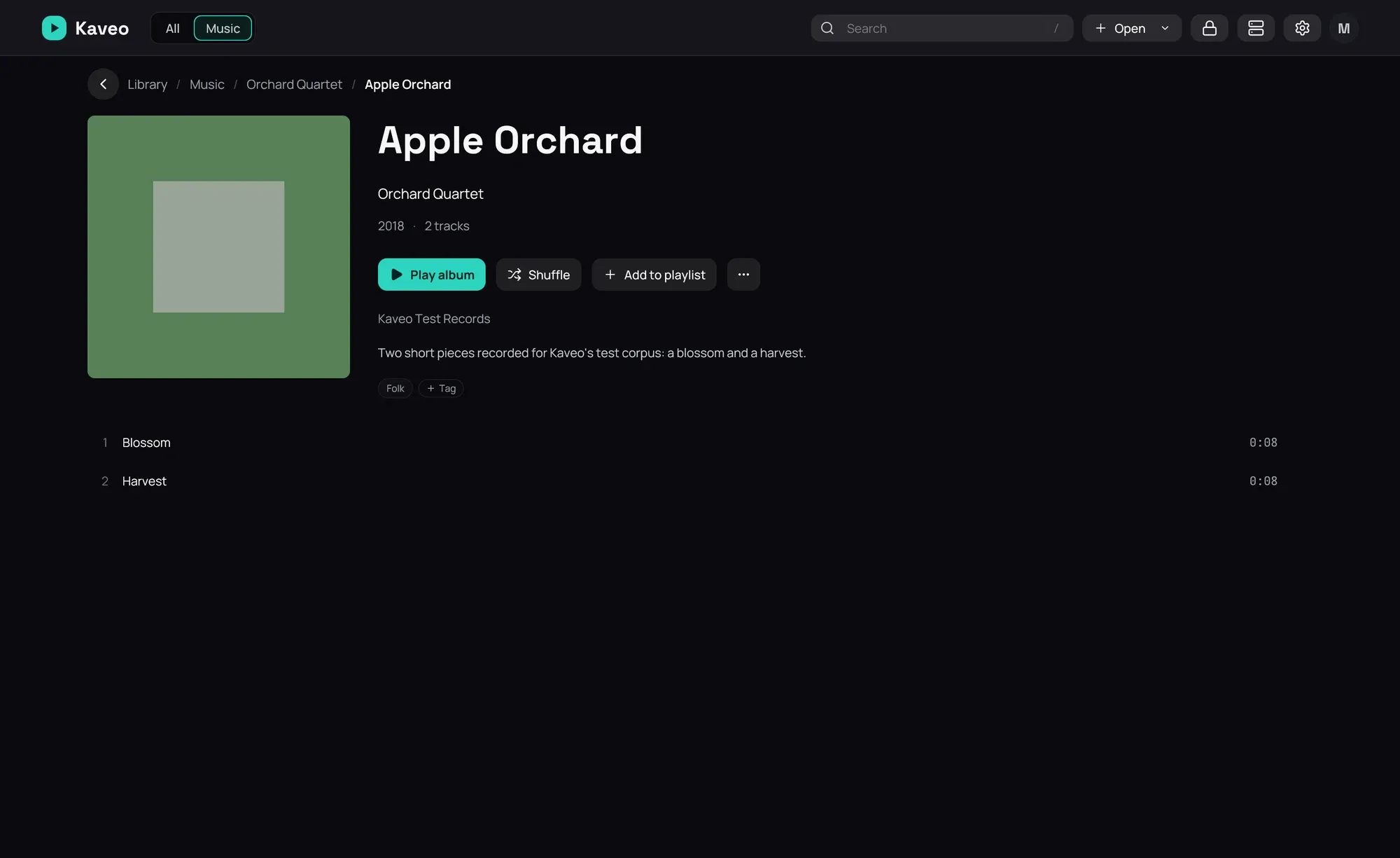
Section titled “What it is for”Fill in what an album’s tags leave out — its year, label, genres, how many tracks it has, and a missing cover — without changing your files.
How to use it
Section titled “How to use it”- An album.nfo in the album’s folder — written by Kodi, Jellyfin or Lidarr — is read by itself.
- Kaveo looks albums up on MusicBrainz and fetches missing covers from the Cover Art Archive. To stop it, turn off Album information online in Settings › Metadata and click Save.
- If an album is matched wrongly or not at all, click ⋯ › Identify album… on its page, click the right one and Use this match, or choose None of these.
- Click ⋯ › Write album.nfo to save what Kaveo knows beside the album.
Good to know
Section titled “Good to know”- Your tags always win; the rest only fills what they leave empty.
- An album is used only when exactly one match is found. Album titles and artist names are sent.
- Free keys add more, each from the service’s Get a free key link: covers from fanart.tv, Discogs and TheAudioDB, descriptions from TheAudioDB and Last.fm, and AcoustID recognises an album by its sound (it needs fpcalc).
- Last.fm and AcoustID allow non-commercial use only; entering a key accepts their terms.
- An album.nfo Kaveo did not write is never replaced.
- Albums on a Jellyfin server keep the server’s information.