
Hiding a title
What it is for
Section titled “What it is for”Make a local title private — encrypted where it sits, and out of your library while the vault is locked.
How to use it
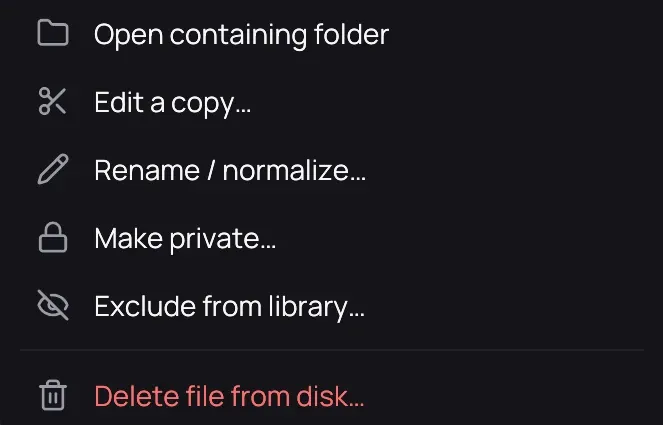
Section titled “How to use it”- Unlock the vault, then right-click the card of a local film or episode and choose Make private….
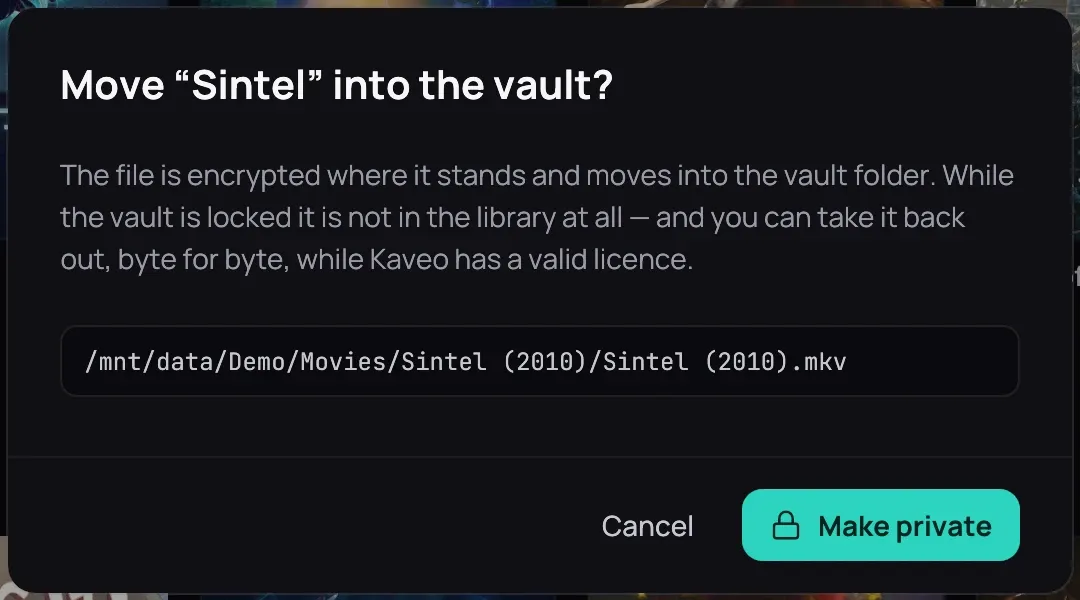
- Check the path, then click Make private.
- For a file that is not in your library, open the padlock menu and choose Make a file private….
- Drop a video into your private folder (set one under Private folder in Settings › Library › Folders) and Kaveo hides it once the copy finishes; while the vault is locked, the files wait.
Good to know
Section titled “Good to know”- On the same drive the film is moved, not copied. Encrypting needs its own size again in free space, or about 16 MB to encrypt it where it lies.
- The title goes in whole and comes back whole: subtitles, NFO, -trailer file and pictures named like it, its poster, description and cast, your tags, My list, Favorite and playlists. What a visible title shares stays. A file that cannot go in stays put; the message counts them.
- A film’s saved frame stays in Pictures, under the film’s name, once the film is hidden.
- If Kaveo closes during a hide, your next unlock finishes it or puts the film back, and says so.
- You can take it back out, byte for byte, with a valid licence — see Taking a title back out.