
Your own photos and videos
What it is for
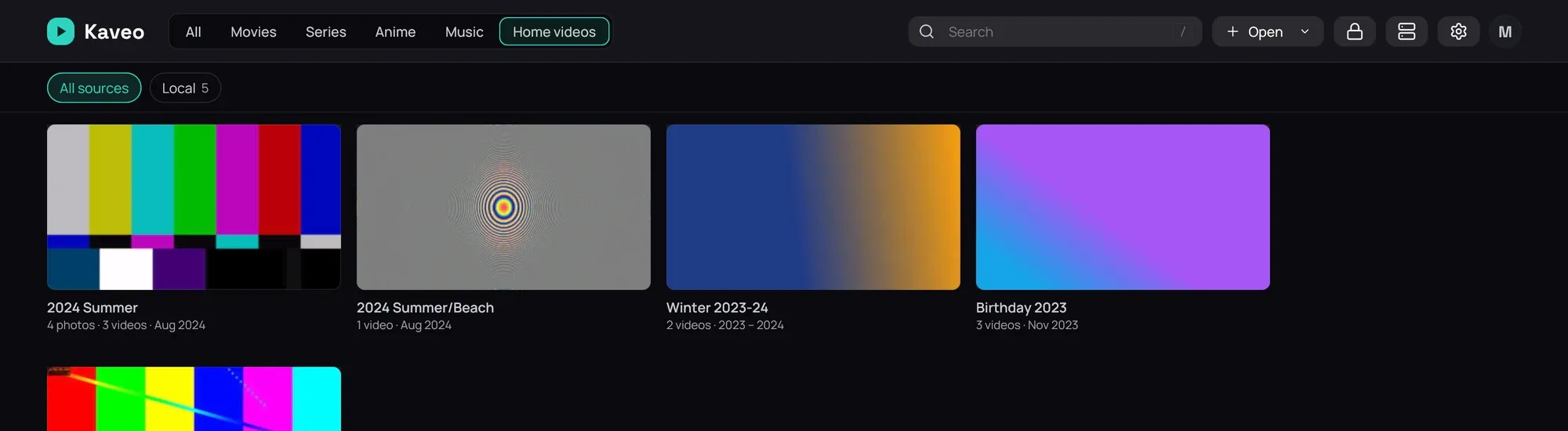
Section titled “What it is for”A personal category holds your own photos and videos, from a phone or a camera, grouped by the folders you already made, newest first. They never appear on the home or among films and series.
How to use it
Section titled “How to use it”- In Settings › Library › Categories, add a category, tick Personal, then click Add folder… and pick the folder of your photos and videos.
- Click the category at the top of the library, then a folder to open it.
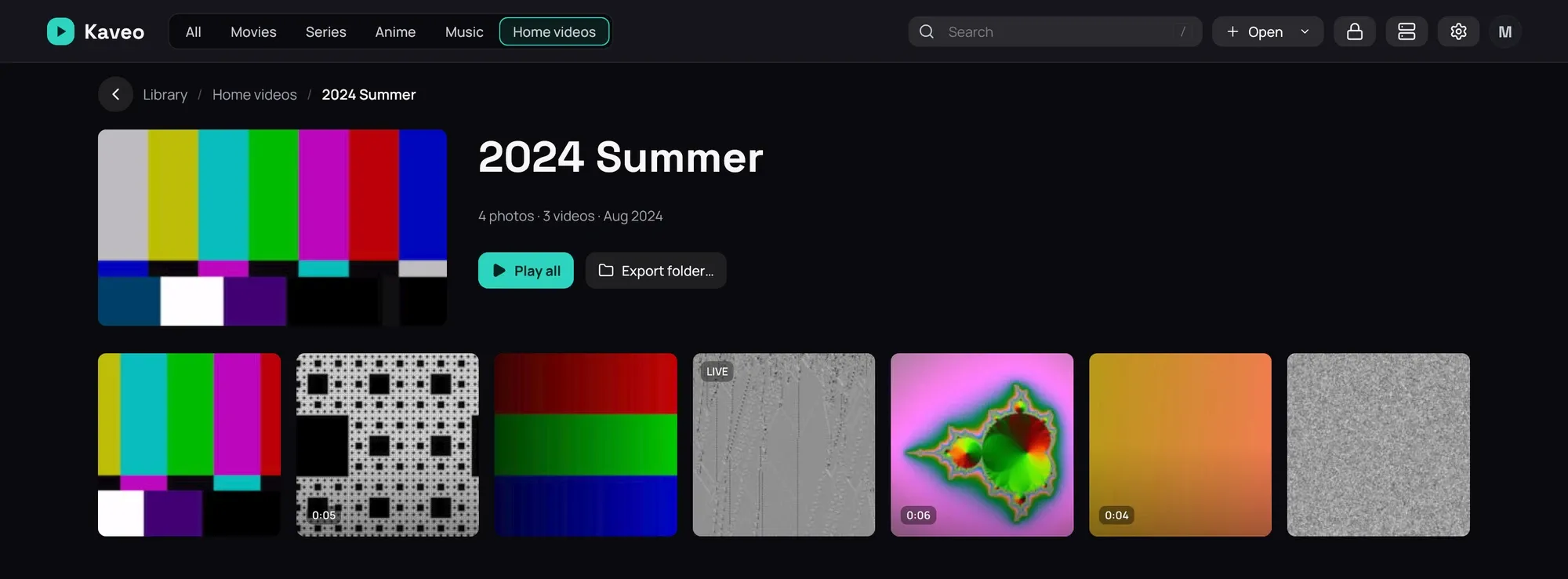
- A folder shows its photos and videos together, newest first. Click a video to play it, or Play all — a slideshow once the folder holds a photo, else each video into the next.
- Click a photo to open it on its own — see Viewing photos.
Good to know
Section titled “Good to know”- Kaveo never renames, moves or looks up your photos and videos online, and never files a download into this category.
- A photo or video’s date is the one the camera wrote, or else the file’s own.
- A Live Photo carries a LIVE badge; its short video stays with it rather than appearing on its own.
- AVCHD camera files are not shown yet.