
Behaviour
What it is for
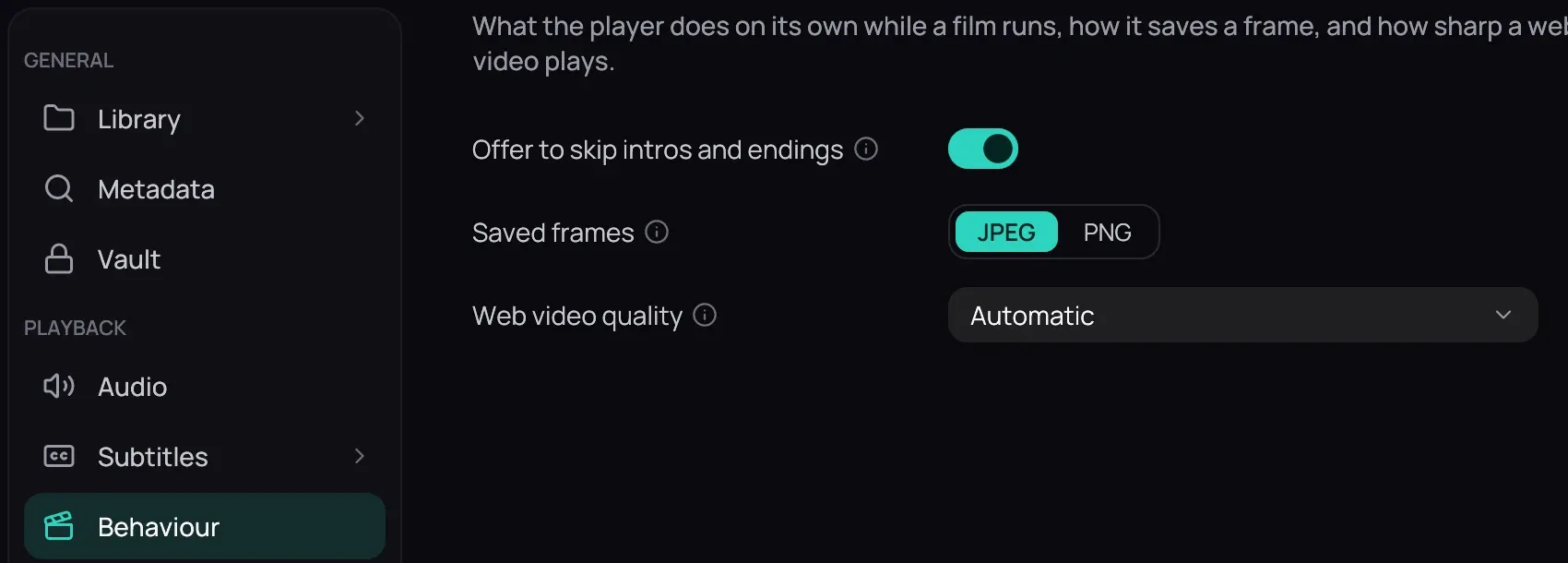
Section titled “What it is for”Settings › Behaviour holds three rows: the one thing the player does by itself, offering to skip a series’ opening or ending, the format of a frame you save from the player, and how sharp a video opened from a web address plays.
How to use it
Section titled “How to use it”- Offer to skip intros and endings is on to begin with. See Skipping openings for what the button does.
- Saved frames is JPEG to begin with; choose PNG for pictures that lose nothing. See Saving a frame.
- Web video quality is Automatic to begin with: the sharpest the stream offers, up to your screen’s height. Choose a height to cap it there; the player’s right-click Quality menu changes it for the video playing.
- Click Save to keep a change — see Saving changes.
Good to know
Section titled “Good to know”- Some photo apps read a picture’s date only from a JPEG, and show none for a PNG frame.